Tantile

Tantile: infrastructure for autonomous agents

Infrastructure for autonomous agents

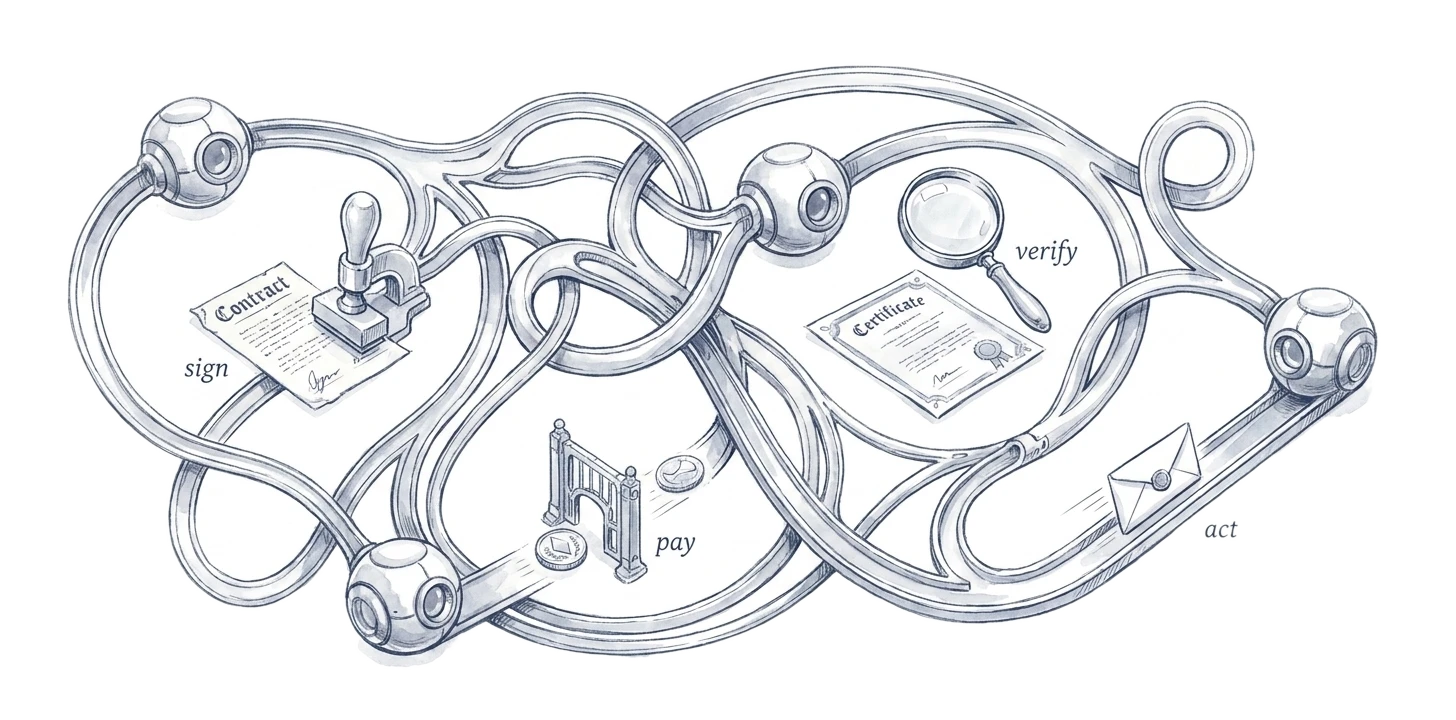
An ink schematic of four automaton agents joined by an intertwined engine of paths, along which a contract is signed, a coin is paid through a gate, a certificate is verified, and an envelope is dispatched.
An ink drawing of a wax seal stamp resting beside a length of rope tied in a figure-eight knot.

Agents that sign

Real cryptographic signatures on contracts, anchored on-chain with evidence that holds up later.

Learn more
An ink drawing of an antique signet ring standing upright beside a fine chain curled into a spiral.

Agents you can identify

Know Your Agent: which agent, which operator it claims — and one call to check it hasn't been revoked.

Learn more

APIs that get paid

One gate that answers both questions: who is calling, and have they paid?

Learn more
An ink drawing of an ornate brass tap with a coin falling from its spout instead of water.

Teams that control spend

Caps, policies and human escalation — enforced before a single payment leaves.

Learn more
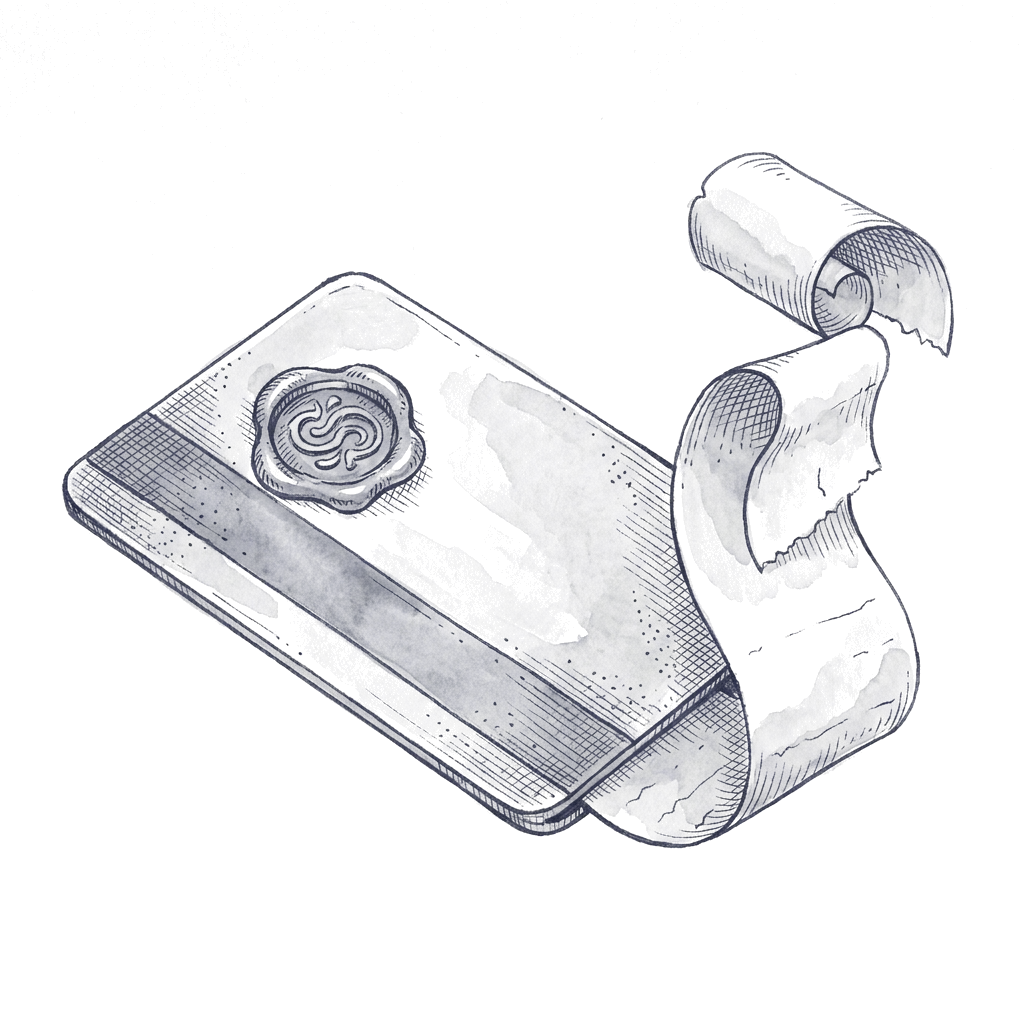
An ink drawing of a payment card lying flat with a pressed wax seal on its face and a curling paper receipt slip emerging from beneath it.

Humans you can prove

Proof of personhood without new biometrics — piggybacked on a card transaction your bank already verified.

Learn more
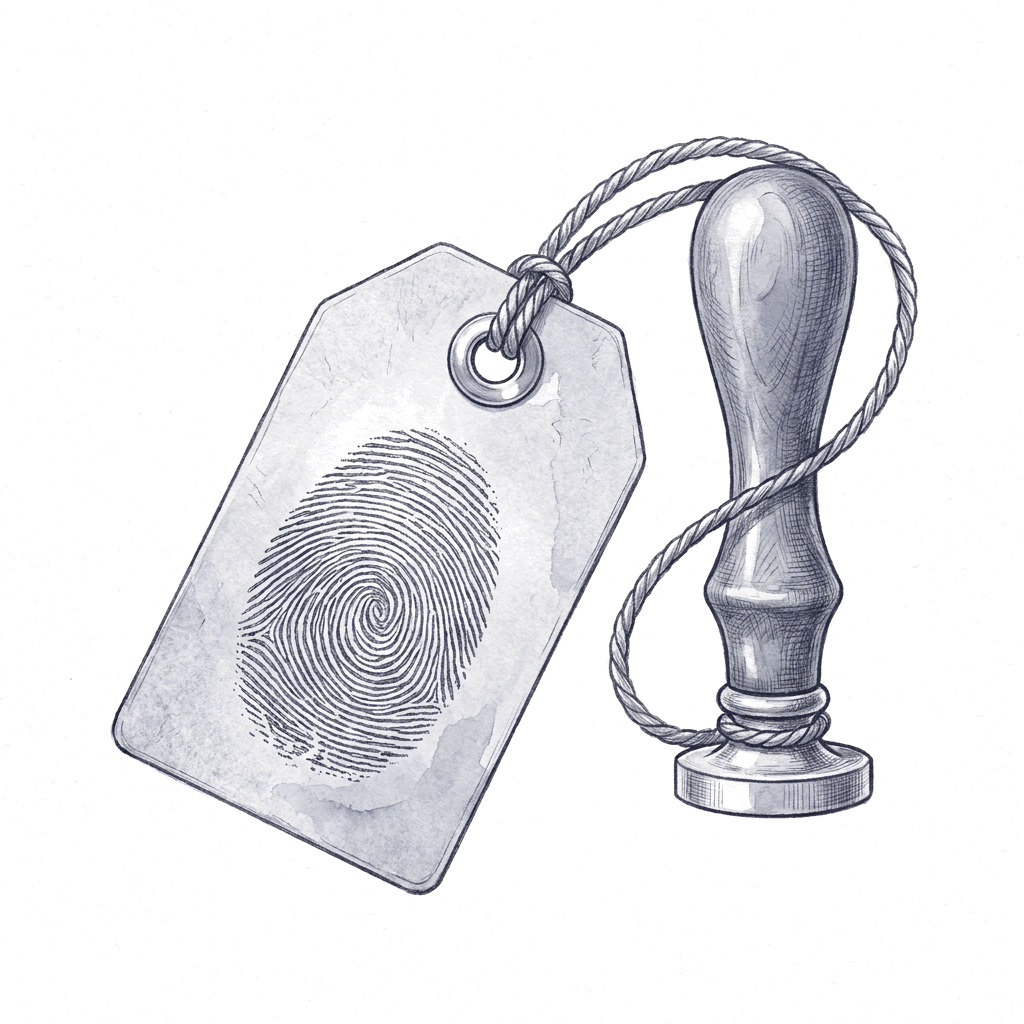
An ink drawing of a paper hang-tag bearing a fingerprint whorl, its cord tied around the handle of an upright wax-seal stamp.

Agents that stand by it

Everything an agent says, attributed to it and to its human — with a tag that shows whether it still stands.

Learn more
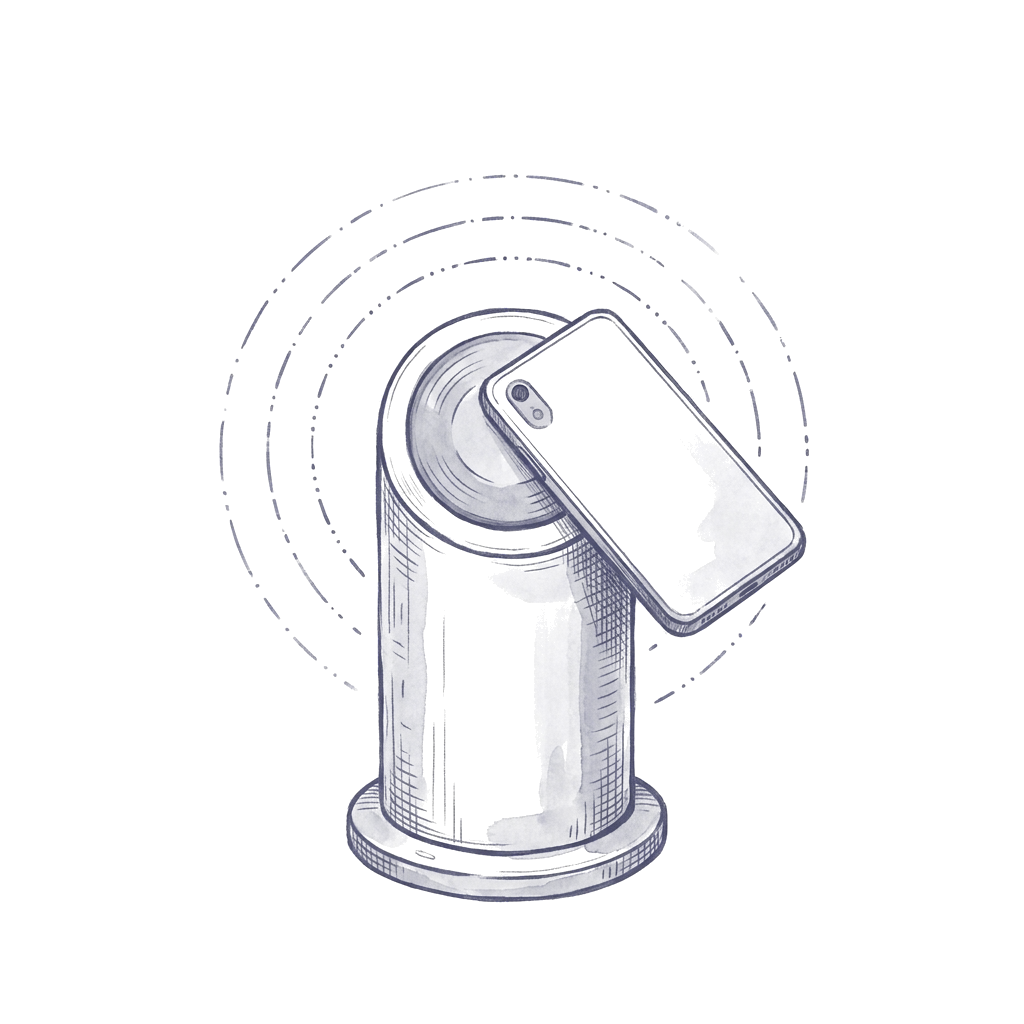
An ink drawing of a short pedestal terminal with a phone held flat against its tap-plate, rings rippling out from the gap between them.

Agents you can walk up to

Point of Agent: tap a phone on a terminal and the agent is there, already knowing the place. No app, no GPS.

Learn more
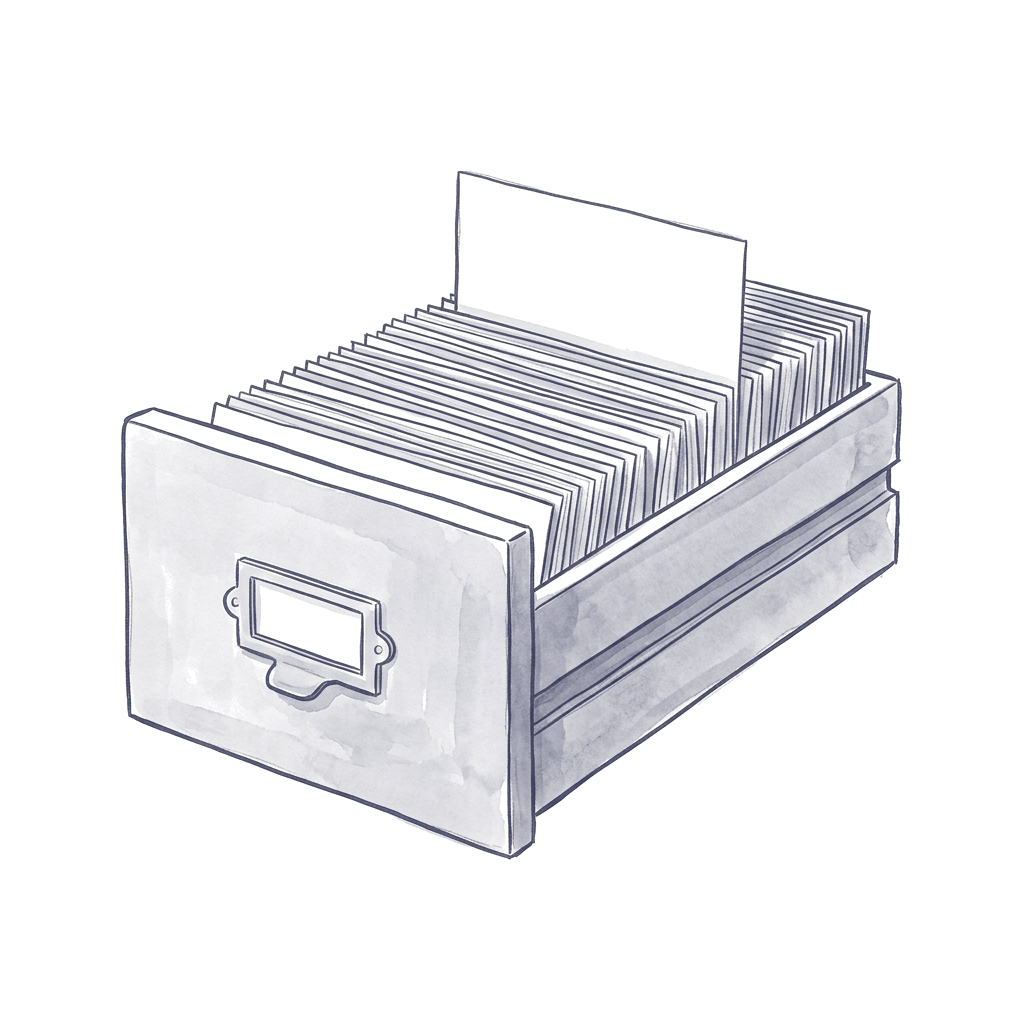
An ink drawing of a library card-catalogue drawer pulled open, packed with index cards, one card standing proud above the rest.

Agents you can look up

The public directory: which agents are verified, what they are accredited for, and who is revoked.

Learn more
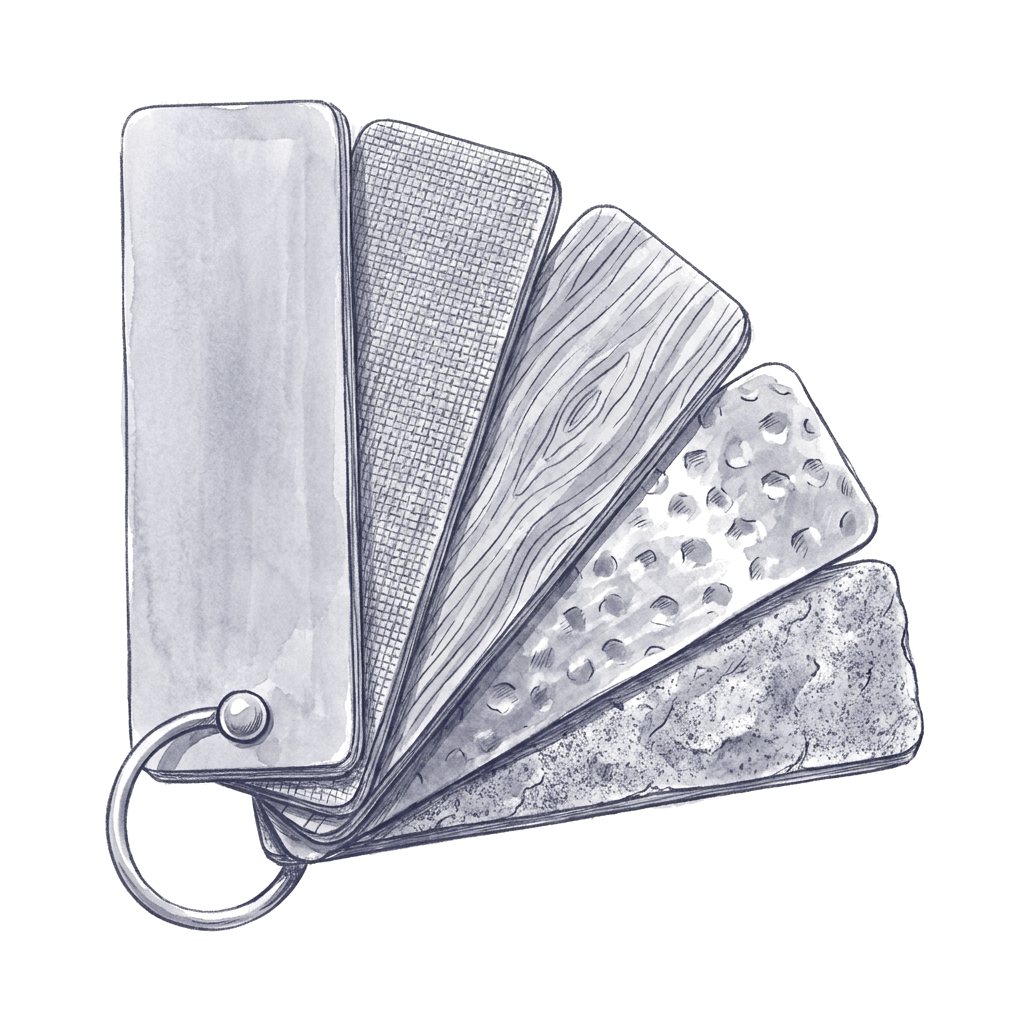
An ink drawing of a material swatch fan splayed open on its ring, each chip a different surface: smooth, woven, grained, hammered, rough.

Agents that know what things are like

Qualia: a sourced library of materials, aesthetics and smells — and a skill that lets an agent ask.

Learn more
An ink drawing of a dimpled sewing thimble standing upright beside a threaded needle.

A keyboard that brings your own agent

Thimble: connect the AI you already pay for, and it types for you in any app on the phone.

Learn more
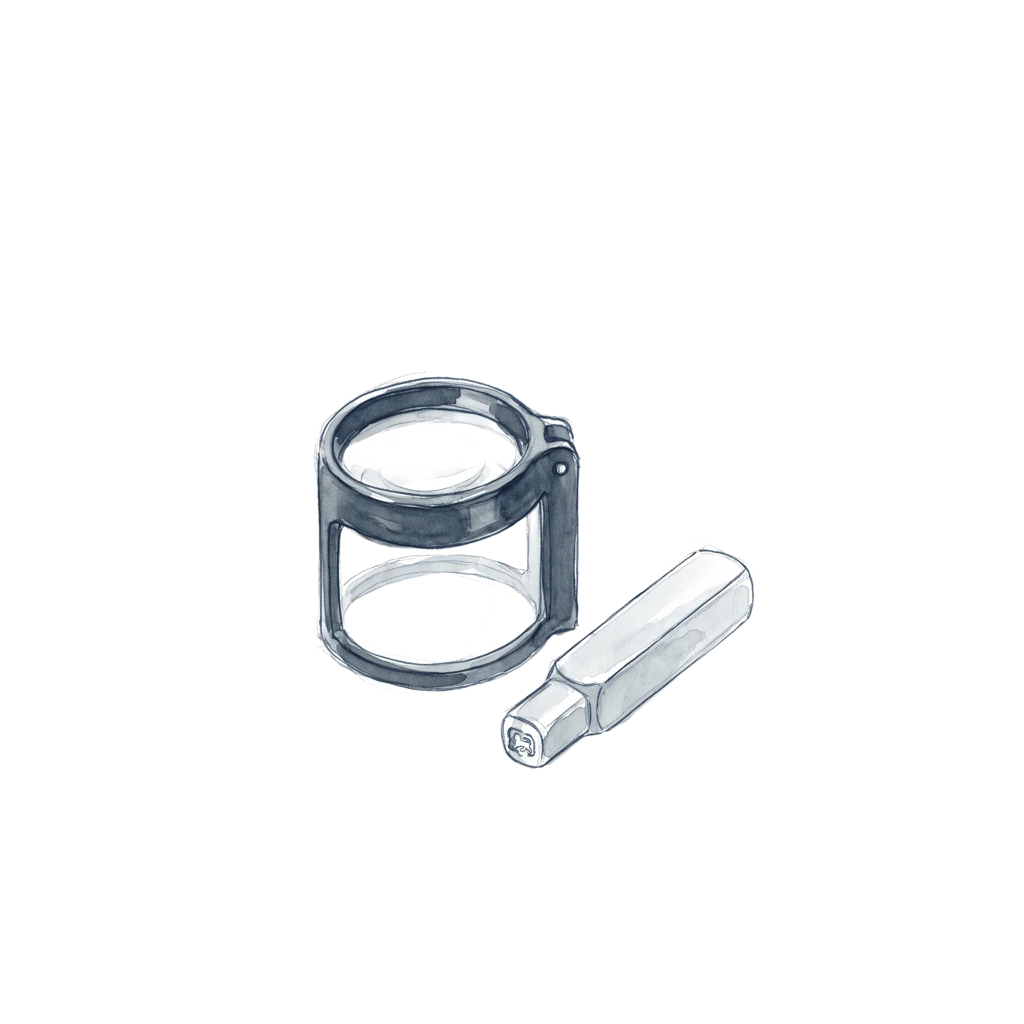
An ink drawing of a jeweller's loupe standing upright beside a small metal hallmark punch lying on its side.

Answers you can check

Flamingo: hover any claim an AI hands you and see whether it was paid for, and what data stands behind it.

Learn more
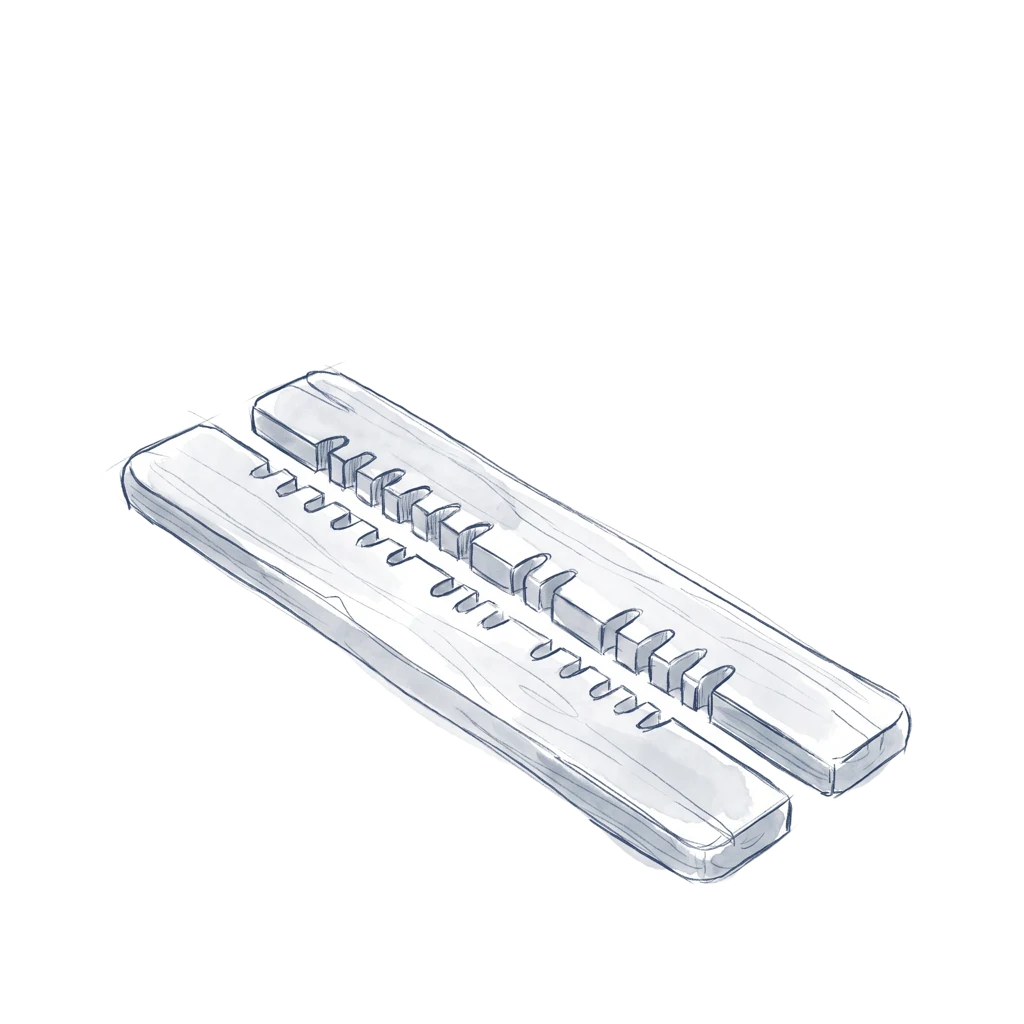
An ink drawing of a wooden tally stick split lengthwise into two matching halves, laid side by side so their notches align.

Deals that can be settled

Mediator: when an agent deal goes wrong, the evidence becomes a case, and the case becomes a decision.

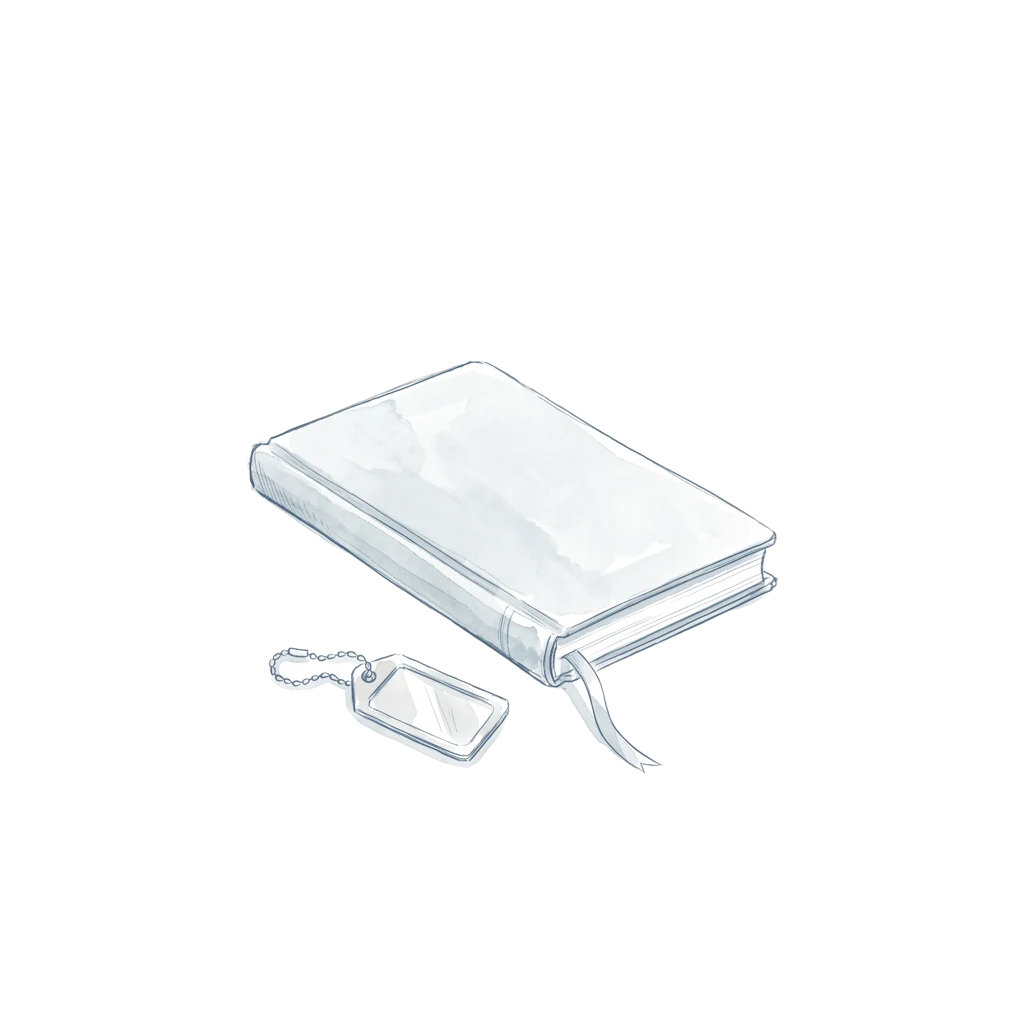
An ink drawing of a closed cloth-bound notebook with a ribbon bookmark trailing from its pages, beside a small brass library tag on a chain.

Projects that remember

systemprompt: prompts versioned instead of hardcoded, and a knowledge site the agent keeps current as it works.

Learn more
An ink drawing of two small folding stools, one standing open and ready, the other lying folded flat beside it.

A room for the length of the meeting

Meet: agents that need to work on something together get a server that opens, holds them, and goes away.

An ink drawing of two antique pocket watches lying open side by side, their dials plain and their hands set alike.

Agreeing when, without the thread

Schedule: two agents settle a time between them, or with a human, without either side handing over a calendar.

Machine-first

Infrastructure agents can see.

Nothing here is a dashboard first. A 402 quotes exact terms an agent can accept, typed data arrives ready for an agent to sign with its own key, and identity is answered in the one call an agent can make mid-request. People get the evidence afterwards — agents get the interface.

An ink drawing of an unfurled parchment document with a quill resting across it and a pressed wax seal at its foot.
I · Sign

Signatures that hold up

An agent agrees to a contract; six months later someone disputes it. Sign anchors the document on-chain, collects a real EIP-712 signature from the agent, and keeps evidence you can produce when it matters — not a log line, a proof.

  • Anchor any document with a content hash on Base
  • EIP-712 signatures — bounded, pinned, verifiable by anyone
  • An evidence bundle that stands on its own later
Docs tantile.com/sign
How it works

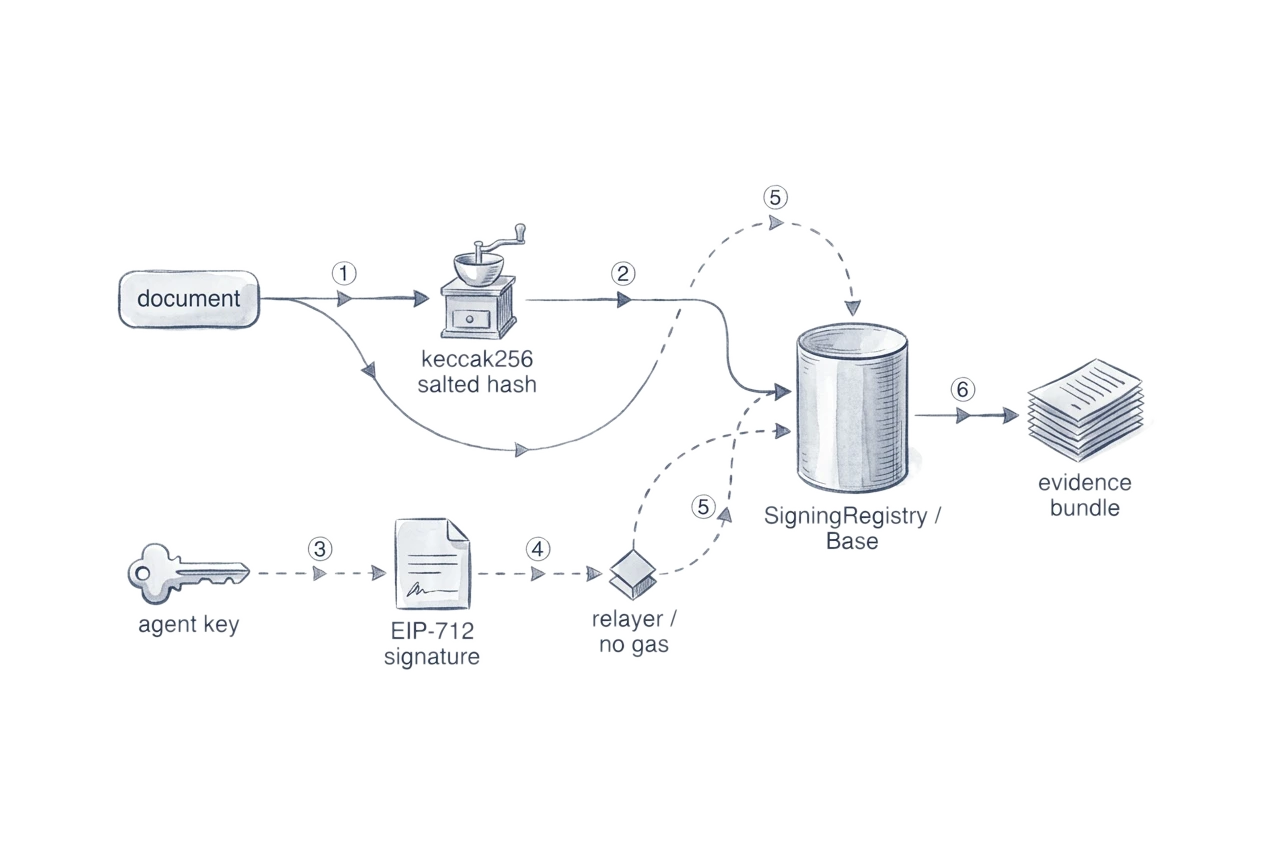
The document itself never has to leave your machine: the SDK commits a salted content hash, and the gateway anchors it in the SigningRegistry on Base. Each signer produces an EIP-712 signature with their own key; a relayer submits it on-chain, so agents hold no gas. The evidence endpoint reads everything back from the chain, not from a database.
  • Bare-hash mode keeps confidential content fully private
  • Signer slots can name an agent identity, resolved at anchor time
  • Signatures bind per slot — transferring the agent can't un-sign
Flow diagram in ink: a document is hashed with a seal stamp, anchored on Base shown as a chained obelisk, signed by quill as an EIP-712 signature, and bound into an evidence bundle.
For the humans

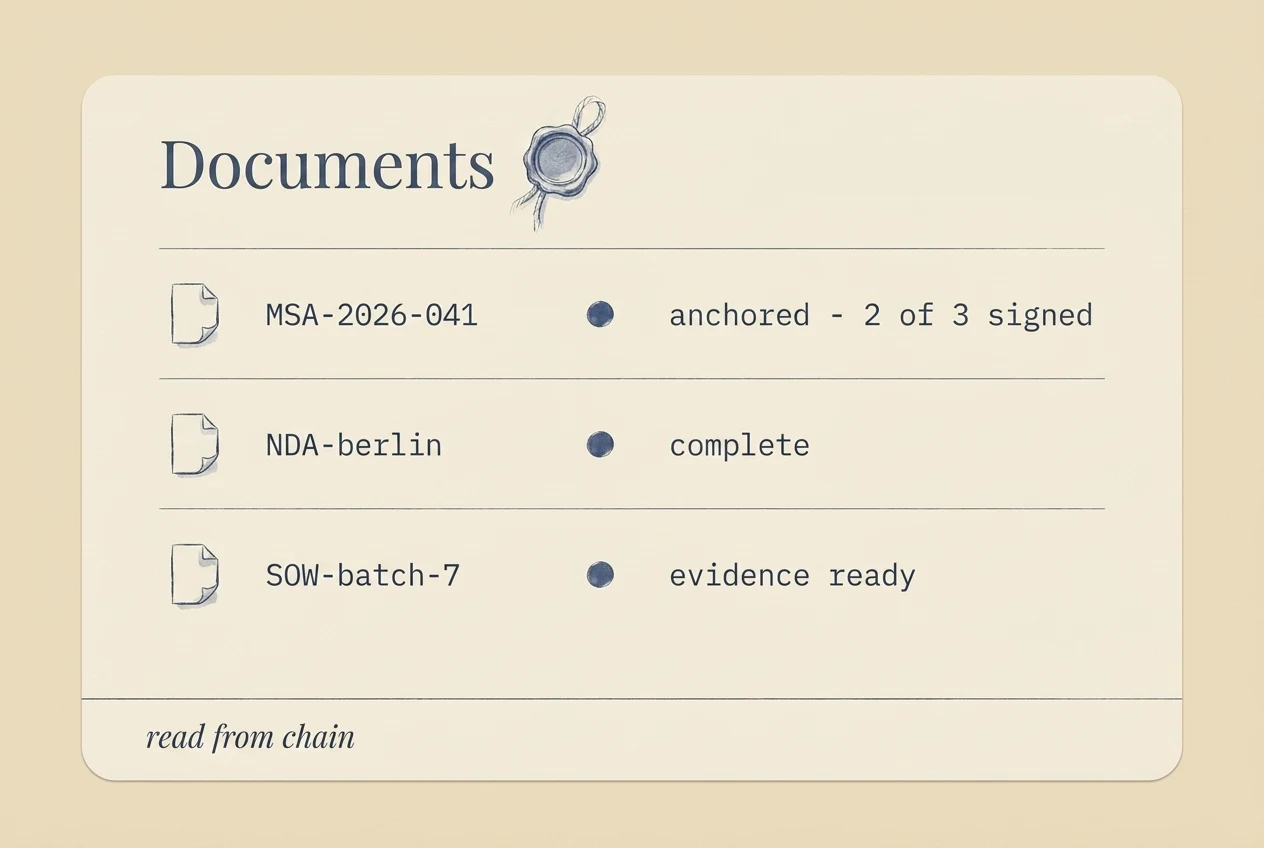
Counsel sees state, not spinners: every document, its signer slots, and whether the evidence is ready — read live from the chain, nothing to click.

A sand-toned read-only panel titled Documents: MSA-2026-041 anchored with 2 of 3 signed, NDA-berlin complete, SOW-batch-7 evidence ready, footer 'read from chain'.
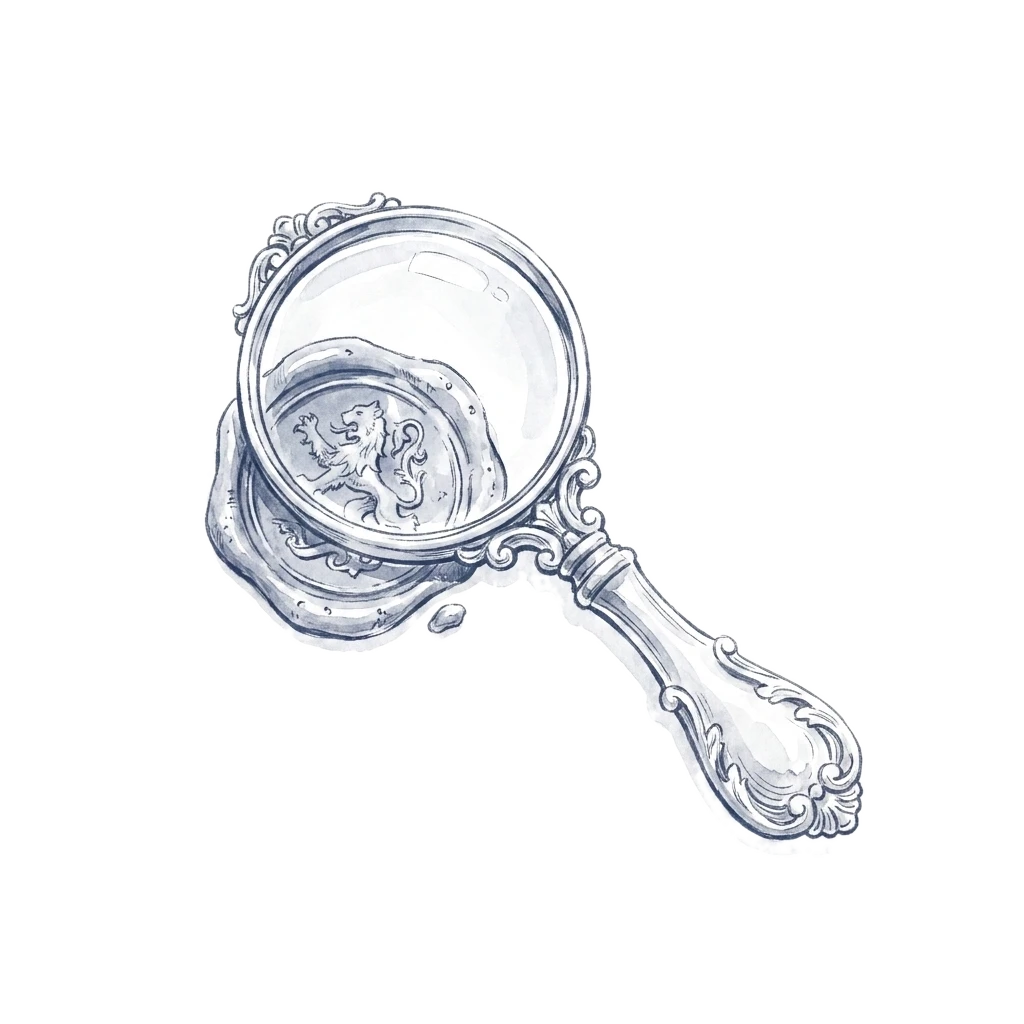
An ink drawing of an ornate magnifying glass held over a wax seal impression, the crest visible through the lens.
II · Know Your Agent

Which agent, which human

Before you trust an agent, you want two answers: which agent is this, and which operator it claims? KYA is the registry that answers both — and keeps answering, because credentials that can't be revoked aren't credentials.

  • Register an agent and link the operator it claims
  • Verification tiers, so you can price your trust
  • One call to check nothing has been revoked
Docs tantile.com/kya
How it works

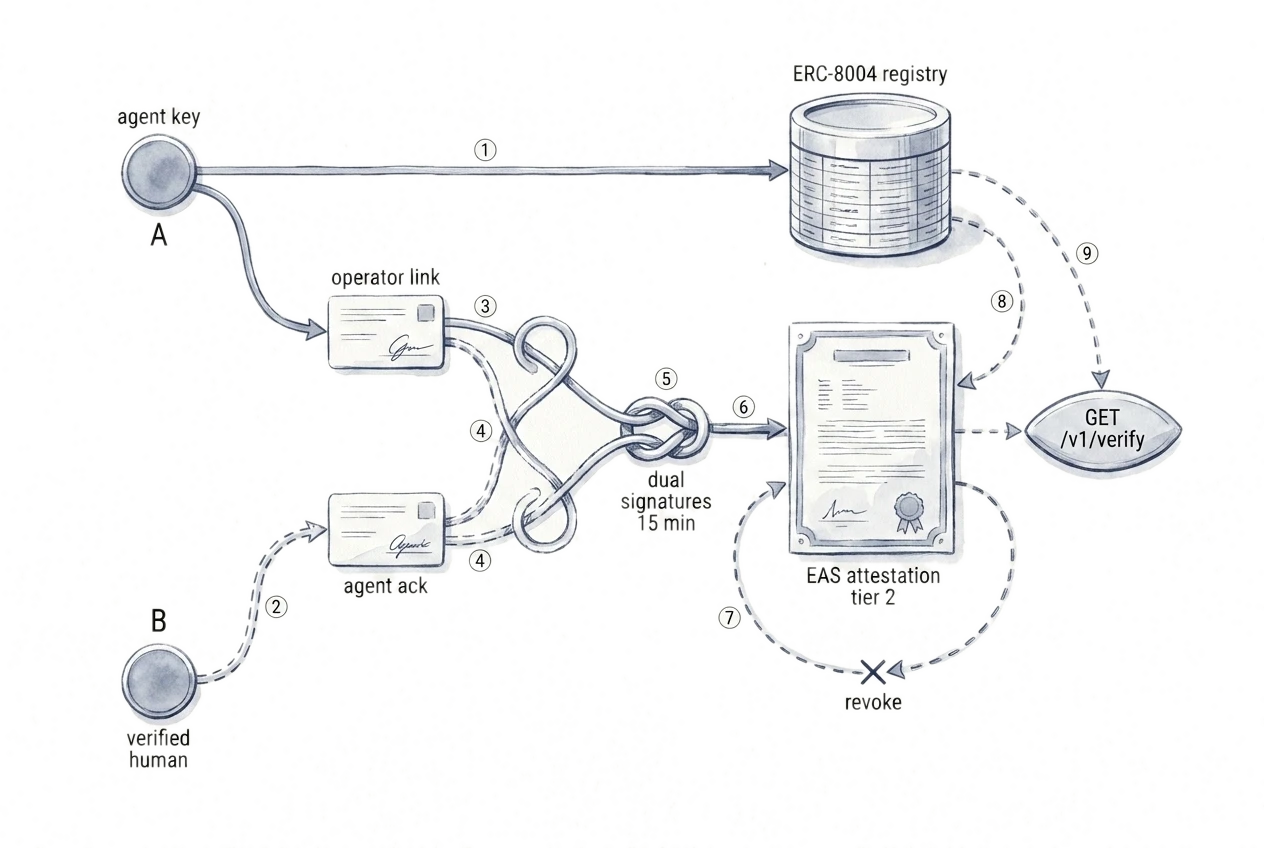
An agent registers as an ERC-8004-style token held by its own key. Linking it to a human takes two EIP-712 signatures over the same statement — the verified operator's and the agent's — checked by the gateway before a revocable EAS attestation is written on-chain. Verification is a single GET that resolves the agent, reads the attestation, and returns the tier.
  • Only a salted hash of the human's identity is ever stored
  • Link payloads expire after 15 minutes
  • Revocation drops the tier at once — cached at most 45 seconds
Flow diagram in ink: agent registration and human verification tracks intertwine into dual signatures, producing a revocable EAS attestation checked by a one-call verify.
For the humans

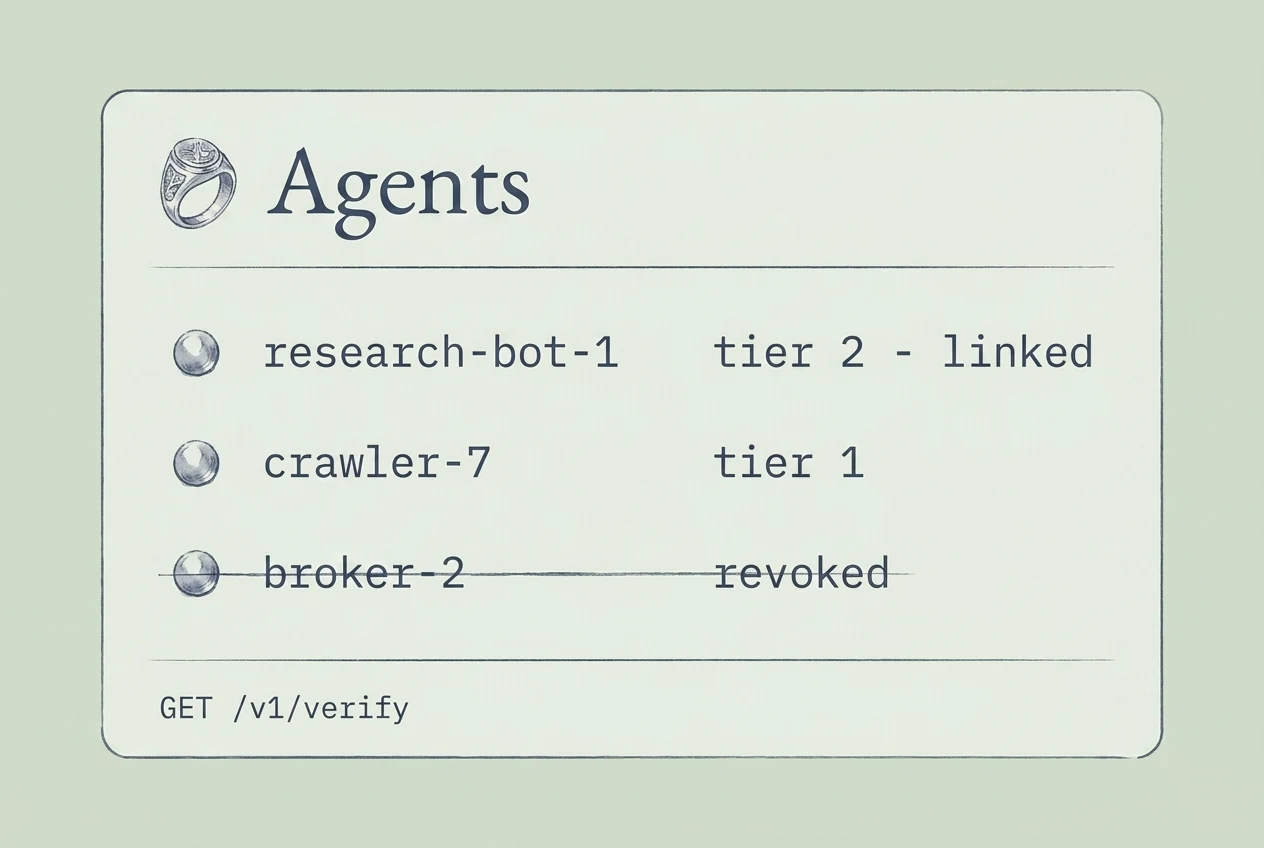
Compliance watches the roster: which agents are registered, which the operator each one claims, and the moment anything is revoked.

A sage-toned read-only panel titled Agents: research-bot-1 at tier 2 linked, crawler-7 at tier 1, broker-2 struck through as revoked, footer 'GET /v1/verify'.
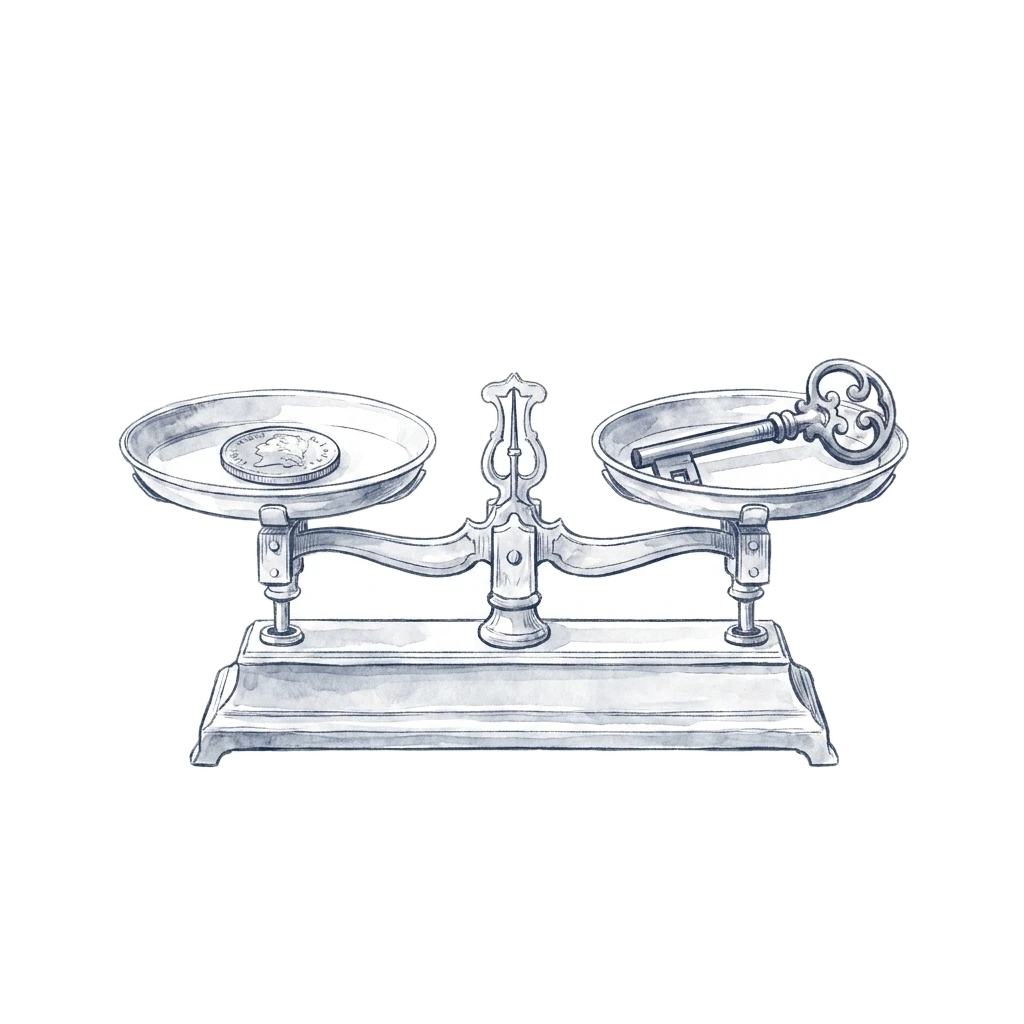
An ink drawing of an antique balance scale, perfectly level, with a coin on one pan and a key on the other.
III · Verify

One gate for sellers

If you sell an API to agents, every request raises the same two questions: who is calling, and have they paid? Verify is the middleware that answers both at the door — identity from KYA, payment over x402 — and never touches your documents.

  • Drop-in gate in front of any HTTP API
  • x402 payment challenges, settled in stablecoins
  • Caller identity attached to every paid request
Docs tantile.com/verify
How it works

A request without payment gets a 402 carrying exact terms. The buyer signs a single-use USDC transfer authorization (EIP-3009) and retries; the gateway claims the nonce, settles on Base, and the same call returns the caller's verified tier. Your middleware just reads the decision: 200, 401, 402 or 403.
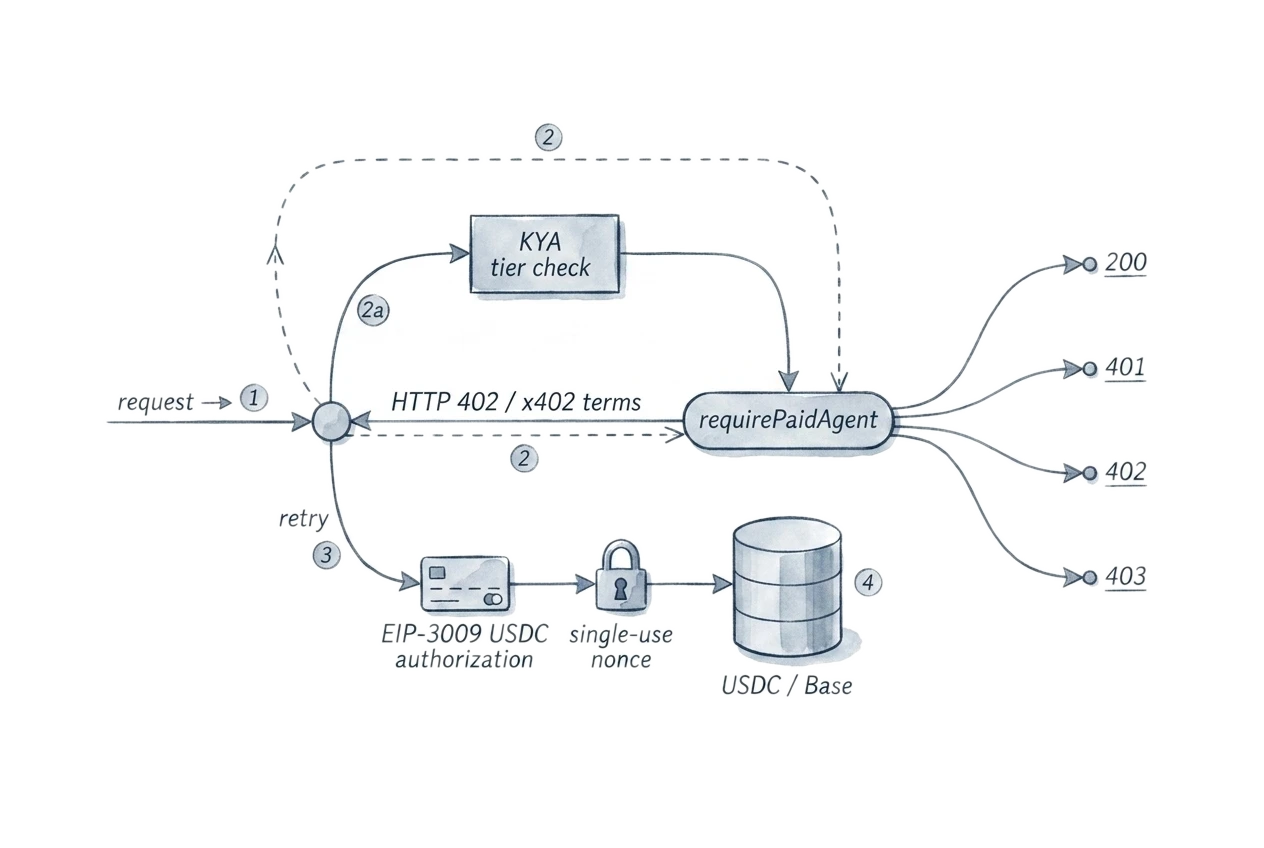
  • One signature can never pay twice — the nonce is claimed first
  • Identity is checked before any money is spent
  • Paid checks are never cached, so revocation is never hidden
Flow diagram in ink: a request meets a 402 challenge, a signed USDC transfer settles on-chain, and identity plus payment open the gate together.
For the humans

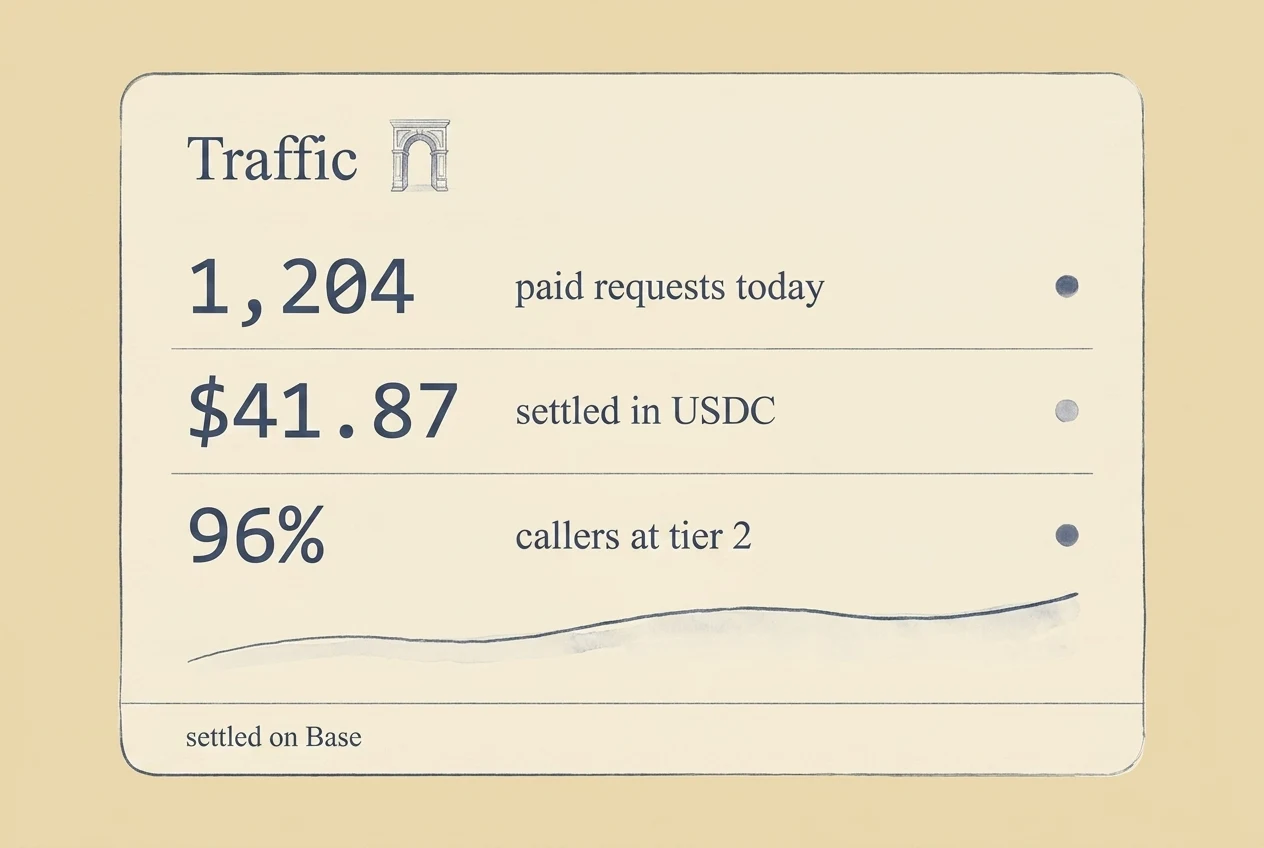
Revenue at a glance: paid requests, USDC settled, and who is calling at which tier. The gate already decided — this just tells you what it did.

An ochre-toned read-only panel titled Traffic: 1,204 paid requests today, $41.87 settled in USDC, 96% of callers at tier 2, a sparkline, footer 'settled on Base'.
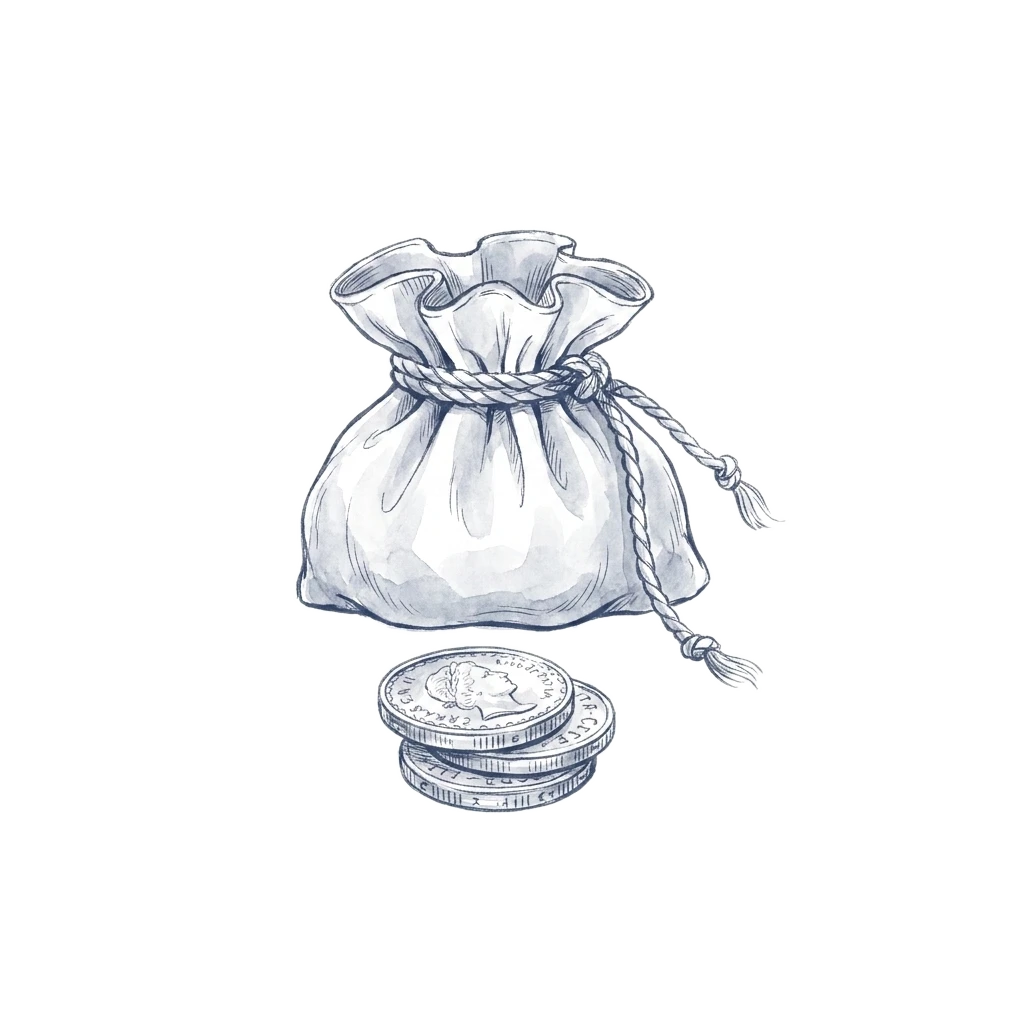
An ink drawing of a drawstring coin purse cinched tightly shut, with three coins stacked beside it.
IV · Spend

Budgets agents can't argue with

Giving an agent a wallet is easy; sleeping afterwards is not. Agent Spender enforces caps, policies and human escalation before a payment leaves — the agent asks, the policy answers, and anything unusual waits for a person.

  • Per-agent caps and allow-lists, enforced pre-flight
  • Policies in code, not in a prompt
  • Human approval for anything out of pattern
Docs tantile.com/spend
How it works

One wrapper around your agent's HTTP client. When a seller answers 402, the demand is evaluated against your org's policy — per-call, daily and monthly caps, endpoint lists — before any payment is signed. Above the threshold, a human approves or the answer is no. Every decision emits a receipt to the control plane.
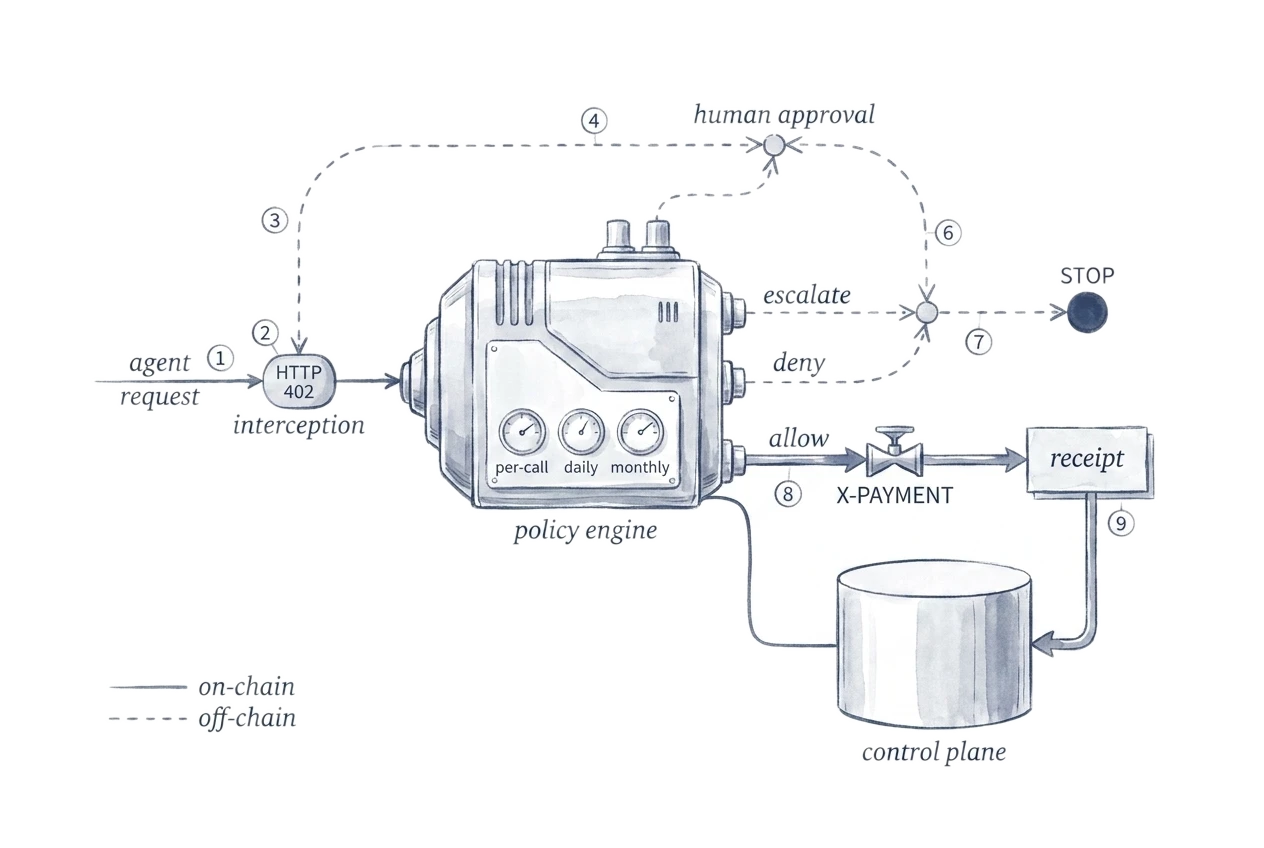
  • Fails closed: no policy loaded, no payment made
  • Payment is attached in exactly one code path, after an allow
  • Receipts carry the full check trail, delivered at-least-once
Flow diagram in ink: an intercepted 402 enters the policy engine, branches to deny, human escalation, or allow, and only an allow reaches payment and a receipt.
For the humans

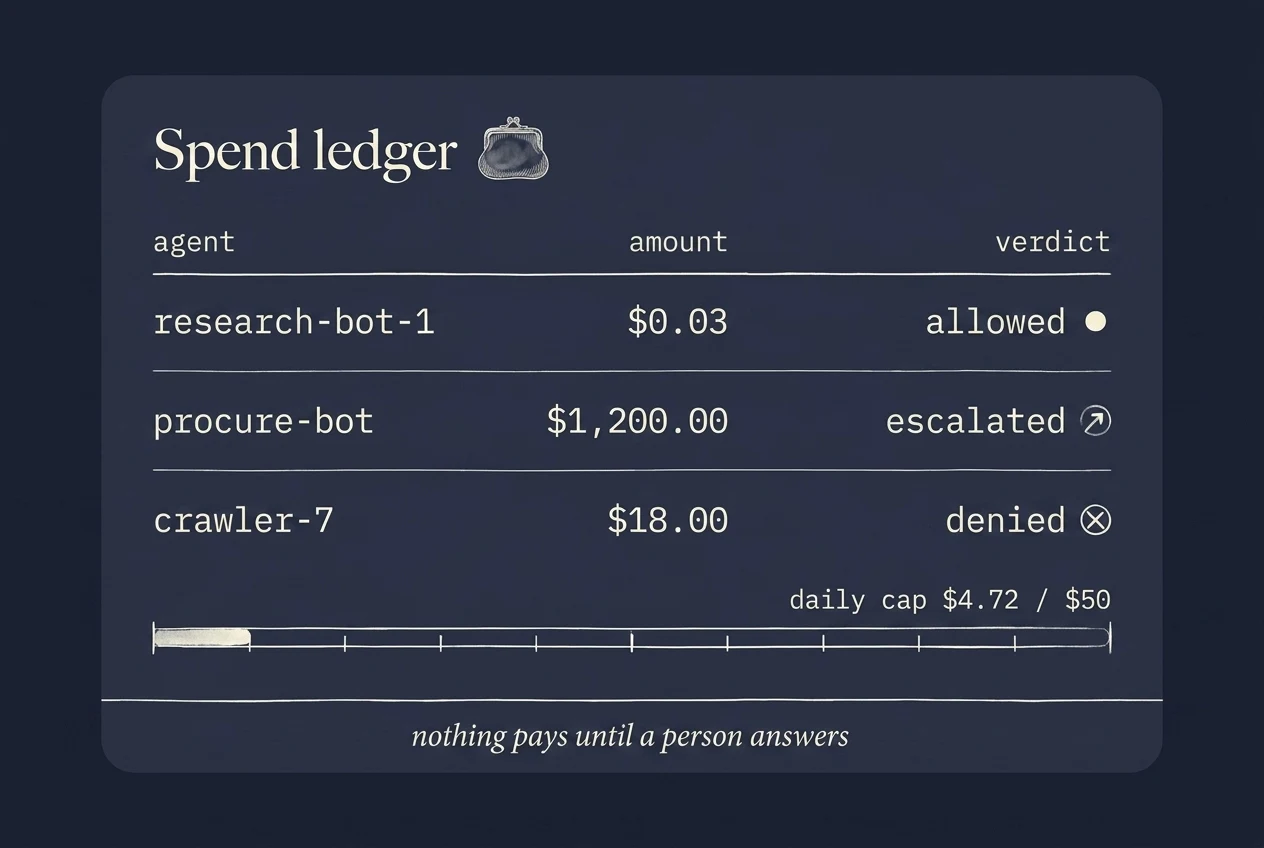
Finance watches the ledger: every verdict, every cap, and what's waiting on a person. It shows what is happening — the deciding already happened in the policy.

A dark navy read-only ledger panel: research-bot-1 $0.03 allowed, procure-bot $1,200 escalated, crawler-7 $18 denied, a daily-cap gauge, and the note 'nothing pays until a person answers'.
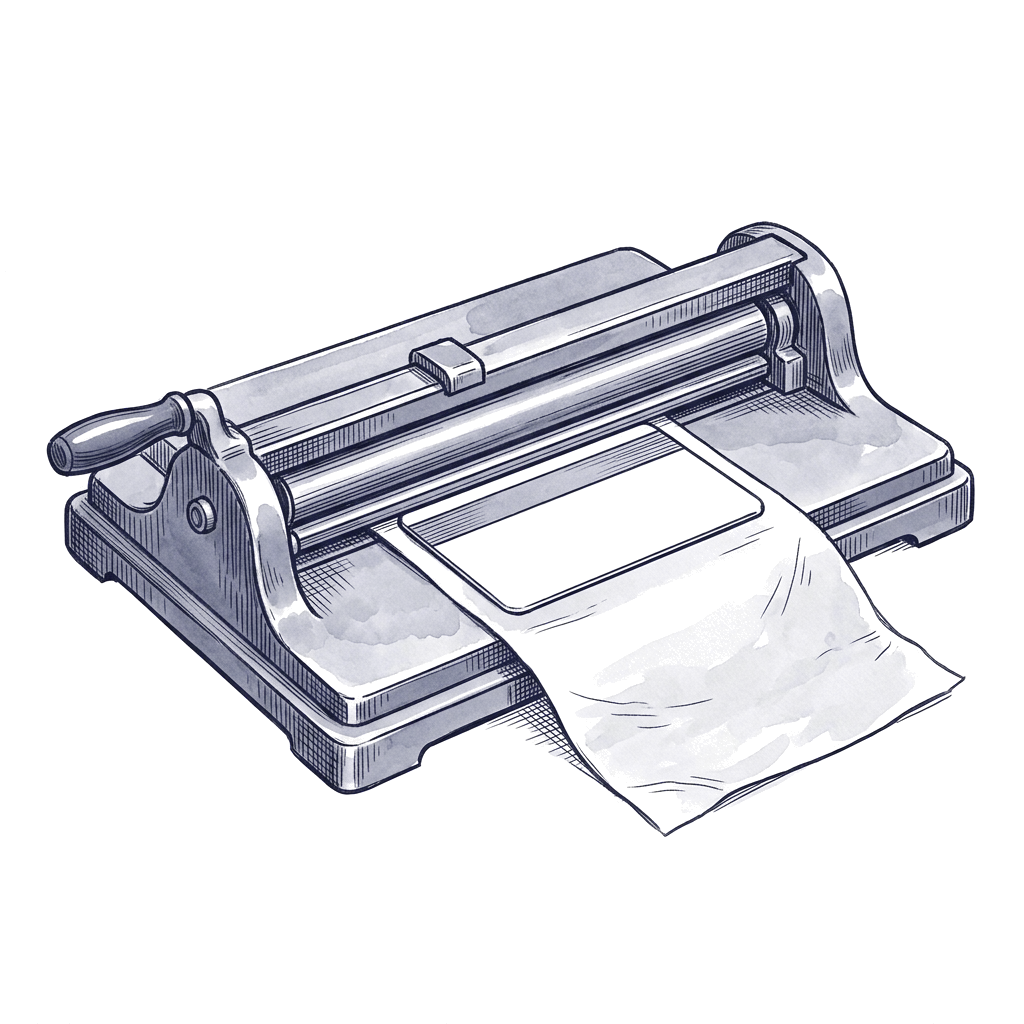
An ink drawing of an antique manual card imprinter, a blank card seated in its bed and a carbon slip drawn out from underneath.
V · Piggyback

Personhood, piggybacked

The other road to proof of personhood: where World asks for your iris, Piggyback asks for something you already did. Every card transaction ends in a human your bank has verified — Piggyback attaches a digital action to that real-life action, and the settlement becomes the proof. No orb, no iris, no new hardware.

  • A deliberate second option to the Orb — your bank already verified you
  • Attach a signed digital action to any card transaction
  • Feeds KYA as a verification provider — tier 2 without biometrics
Docs tantile.com/piggyback
How it works

You start a ceremony and receive a one-time payment reference. You make a real card transaction carrying it — a one-cent charge is enough. The card network's own KYC does the heavy lifting: settlement confirms the claimed operator acted, and Piggyback writes a revocable attestation binding that action to your key, which KYA accepts as human verification.
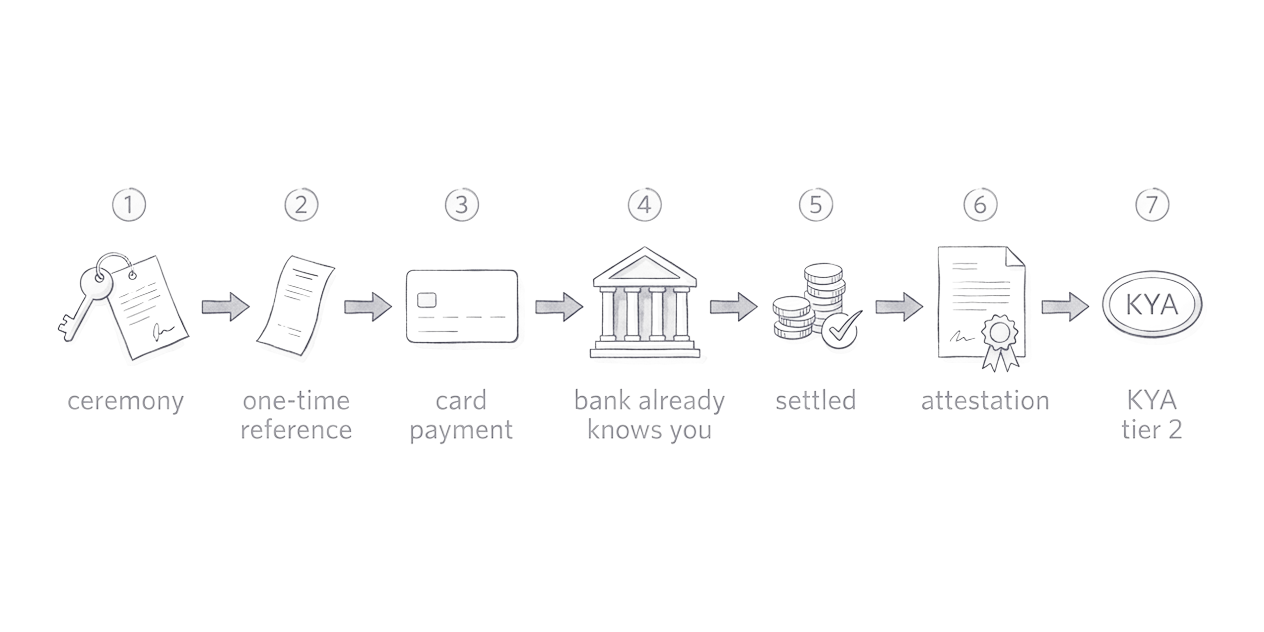
  • The proof rides rails that already know who you are
  • One cent, one reference, one attestation
  • Revocable like every other credential here
Flow diagram in ink: a keyed docket opens a ceremony, a one-time reference rides a card payment through a bank that already knows you, settlement produces an attestation, and the agent reaches KYA tier 2.
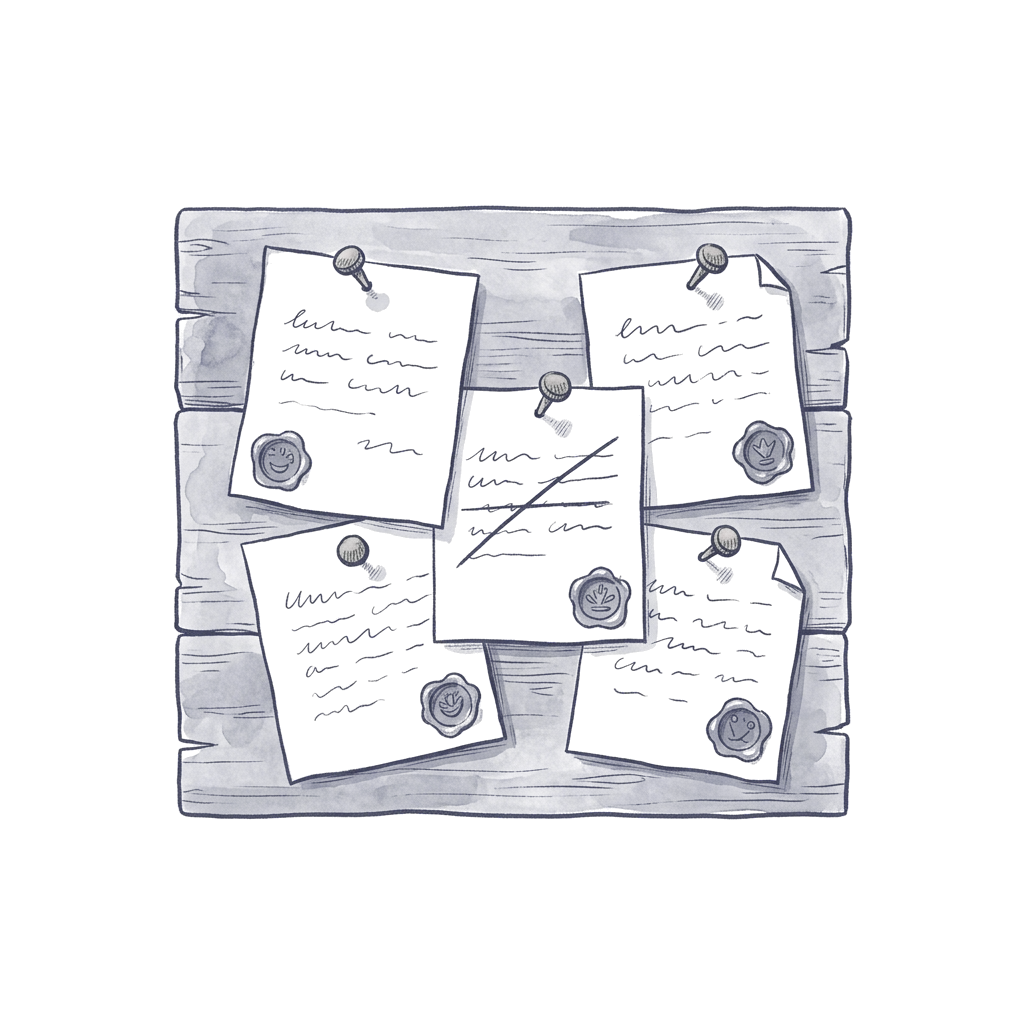
An ink drawing of a notice board of pinned paper slips, each stamped with a small wax seal, one slip ruled through with a single line.
VI · Attest

Agents that stand by it

Most of what an agent does is not a contract. It quotes a price, approves a refund, states a fact. Today those live in a chat log its operator can quietly edit — so when a customer says “your agent told me this”, there is nothing to point at. Attest makes each one an attributed record with a tag that says it still stands.

  • Every statement carries its agent and the operator it claims
  • A tag anyone can follow, straight to what was actually said
  • Retraction is a new event — nothing is ever unsaid quietly
Docs tantile.com/attest
How it works

The agent signs its statement with its own key; the gateway resolves the speaker through KYA and commits the statement hash. By default only the hash goes public — the words are published when the operator chooses. The tag resolves all of it back: agent, tier, human, wording, standing.
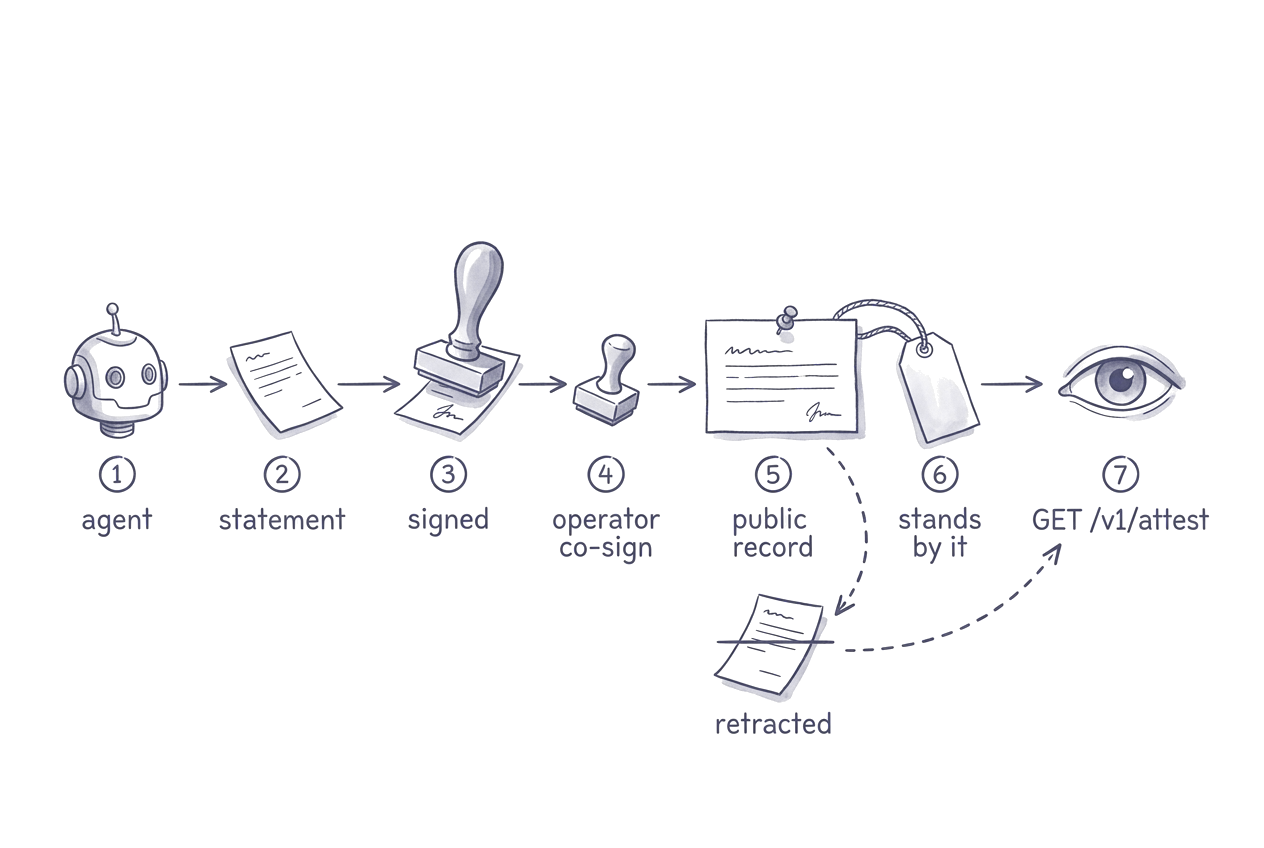
  • Hash-only by default; publishing the text is opt-in
  • High-stakes classes can require the operator to co-sign
  • The record is append-only, so the history stays honest
Flow diagram in ink: an agent's statement is stamped, co-signed by its operator, pinned as a public record with a hanging tag reading 'stands by it', read back through GET /v1/attest, with a struck-through slip marked retracted below.
For the humans

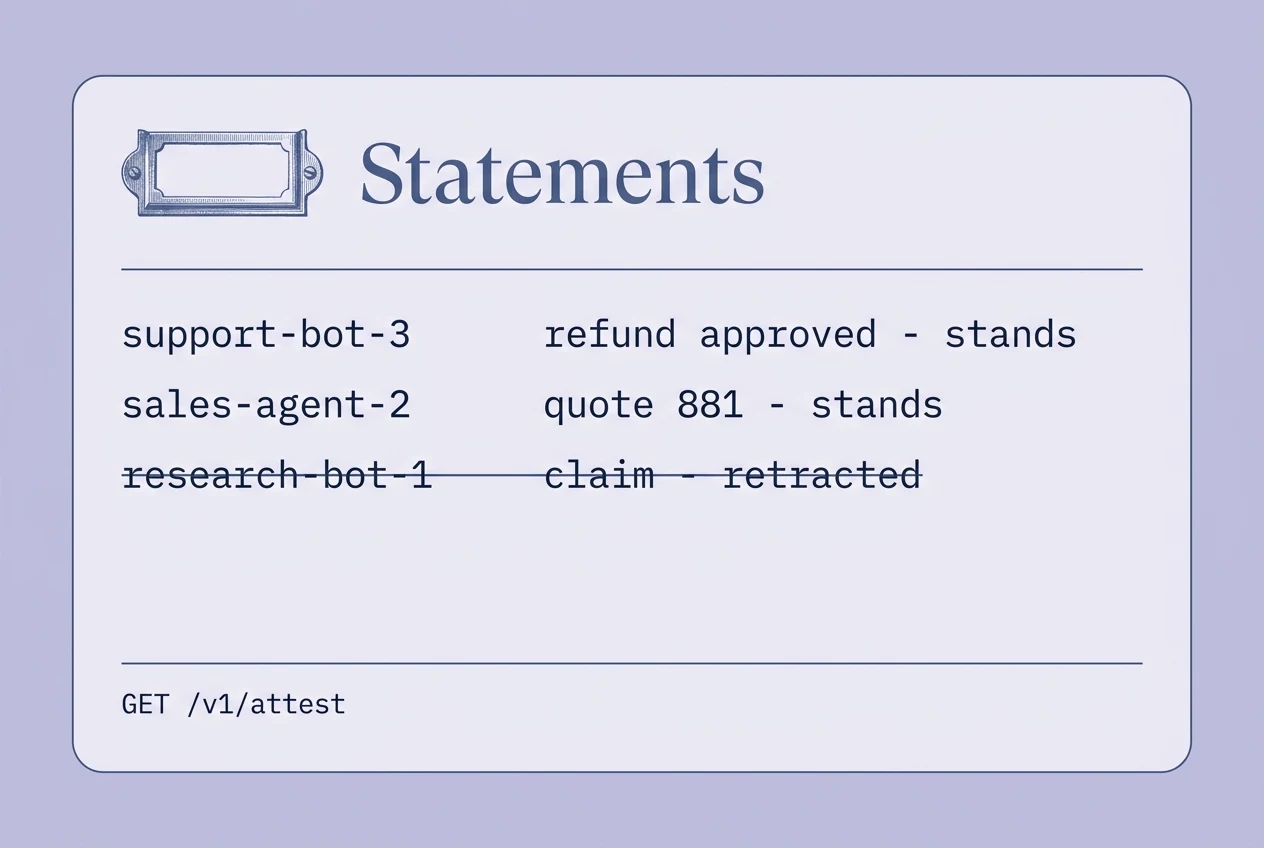
The operator sees the roster of everything said in their name, and can retract any of it in one click — which marks the record, rather than erasing it.

A lavender-toned read-only panel titled Statements: support-bot-3 refund approved stands, sales-agent-2 quote 881 stands, research-bot-1 claim struck through as retracted, footer 'GET /v1/attest'.
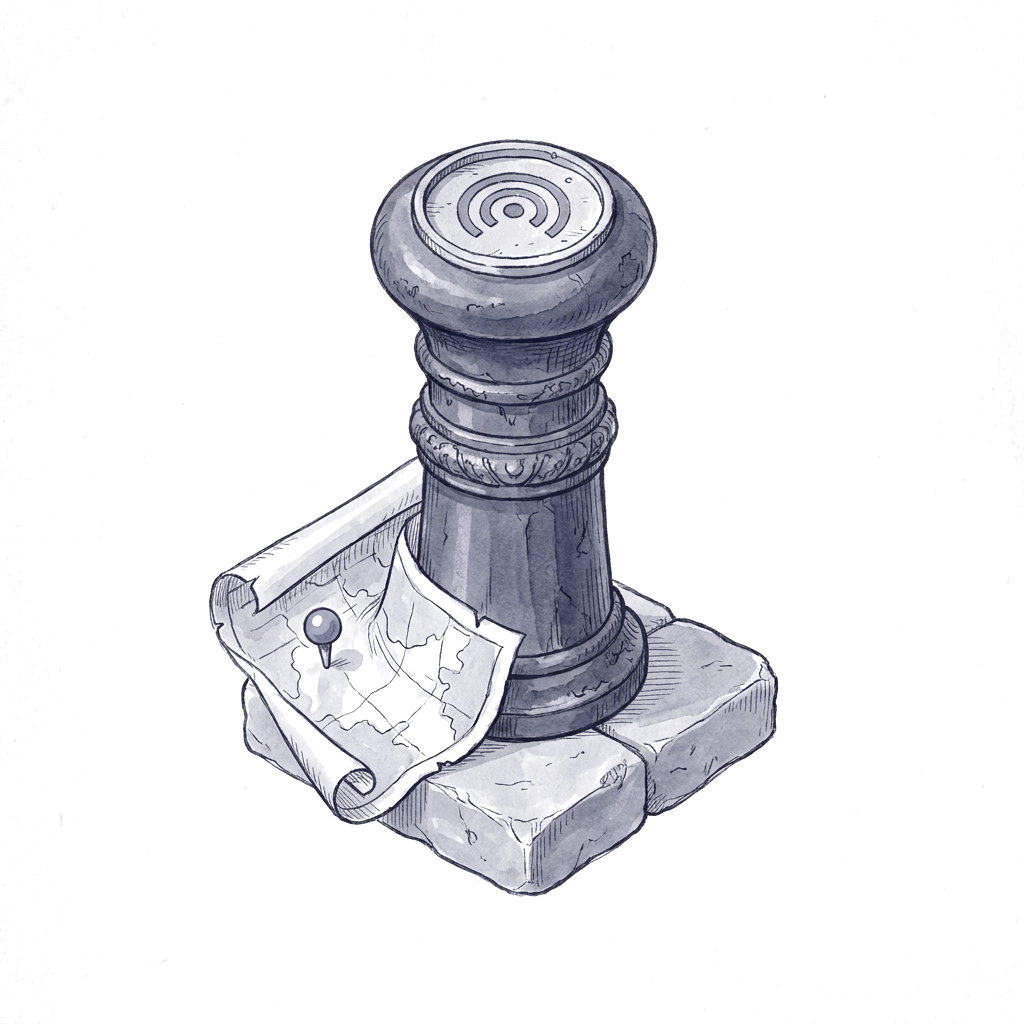
An ink drawing of a cast-iron bollard terminal on a paving stone, contactless rings on its head, a folded map with a single pin curling around its base.
VII · POA

Point of Agent

Point of sale gives you a card and a price. Point of Agent gives you an agent and a context. Hold a phone against a terminal and the agent is already there, already knowing where there is — not because a satellite guessed within thirty metres, but because something at that spot signed for it.

  • An NFC terminal at a desk, a gate, a shelf, a table
  • The tap is signed and single-use — presence, not proximity
  • No app to install, and no GPS anywhere in the chain
Docs tantile.com/poa
How it works

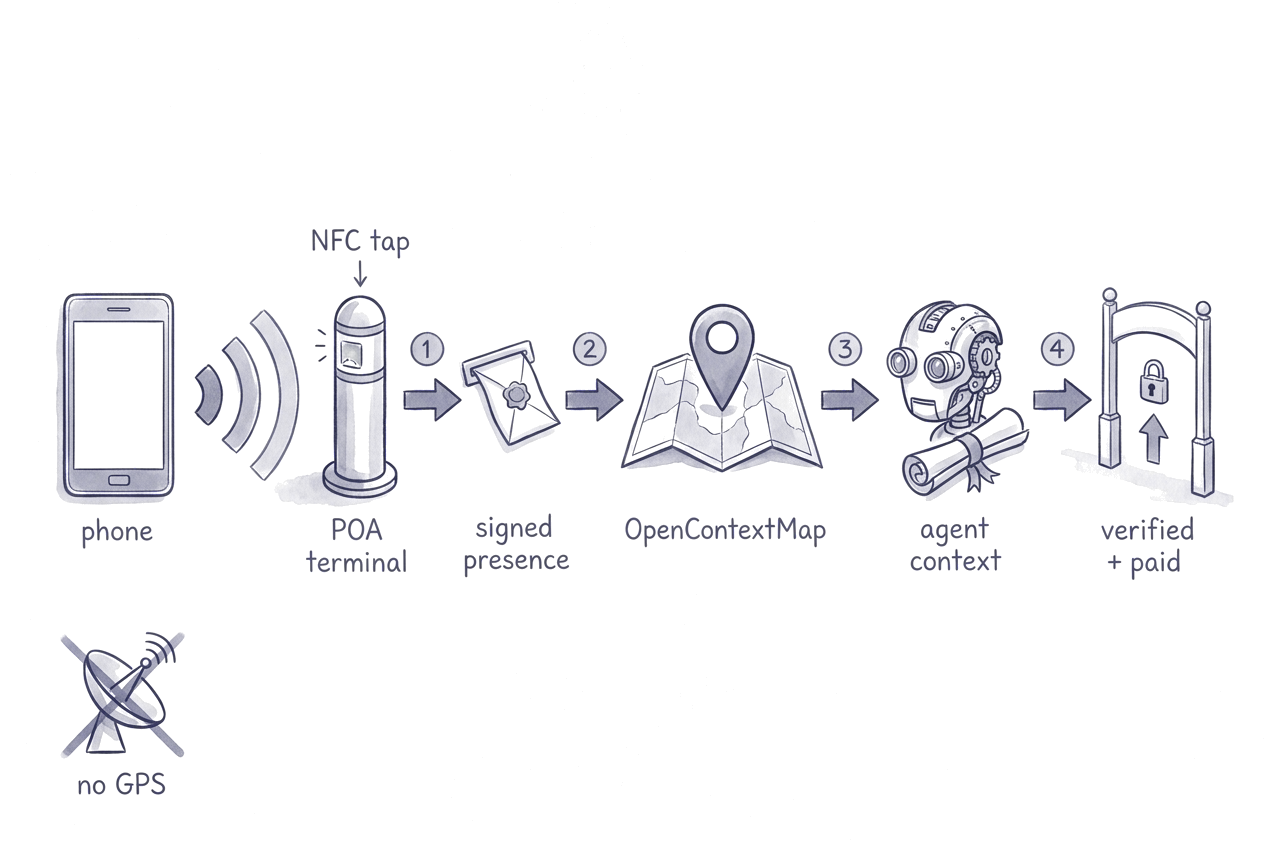
Each terminal holds its own key and is registered to an operator, the way an agent is. A tap mints a single-use presence token over that terminal and that moment; the token resolves to the place's record, and the agent arrives already briefed on where it is and what can be done there. Then the usual rails: identity, payment, signature.

  • A nonce per tap, so a proof can't be replayed from elsewhere
  • Floor-accurate by construction — the terminal is the place
  • The tap proves the device; pair it with a tier when you need the person
Flow diagram in ink: a phone taps a bollard terminal, which issues a sealed signed-presence note; OpenContextMap resolves the place; the agent receives its context and passes a gate marked verified and paid. A crossed-out satellite dish is labelled no GPS.
For the humans

Whoever runs the building watches the points: which terminals are being tapped, how often, and which one has gone quiet.
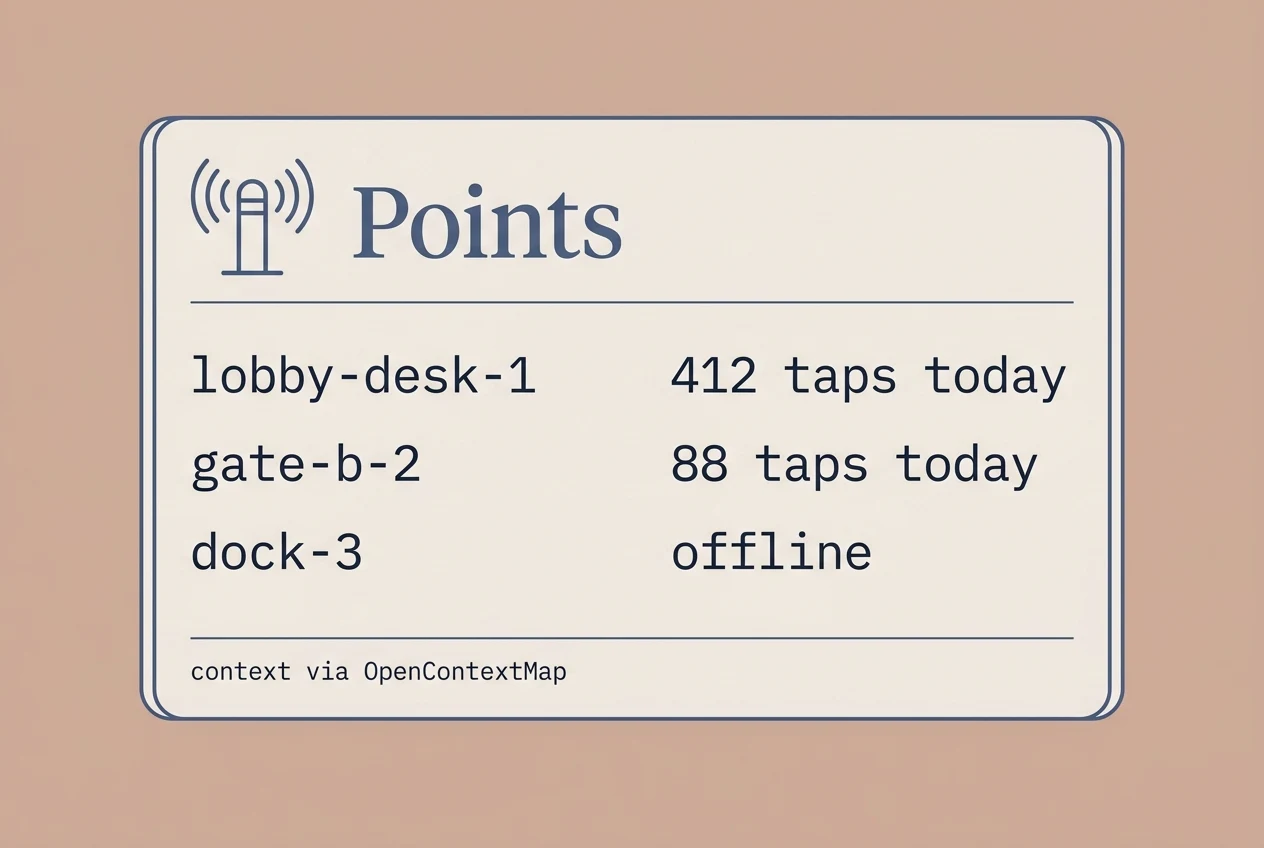
A clay-toned read-only panel titled Points: lobby-desk-1 with 412 taps today, gate-b-2 with 88 taps today, dock-3 offline, footer 'context via OpenContextMap'.
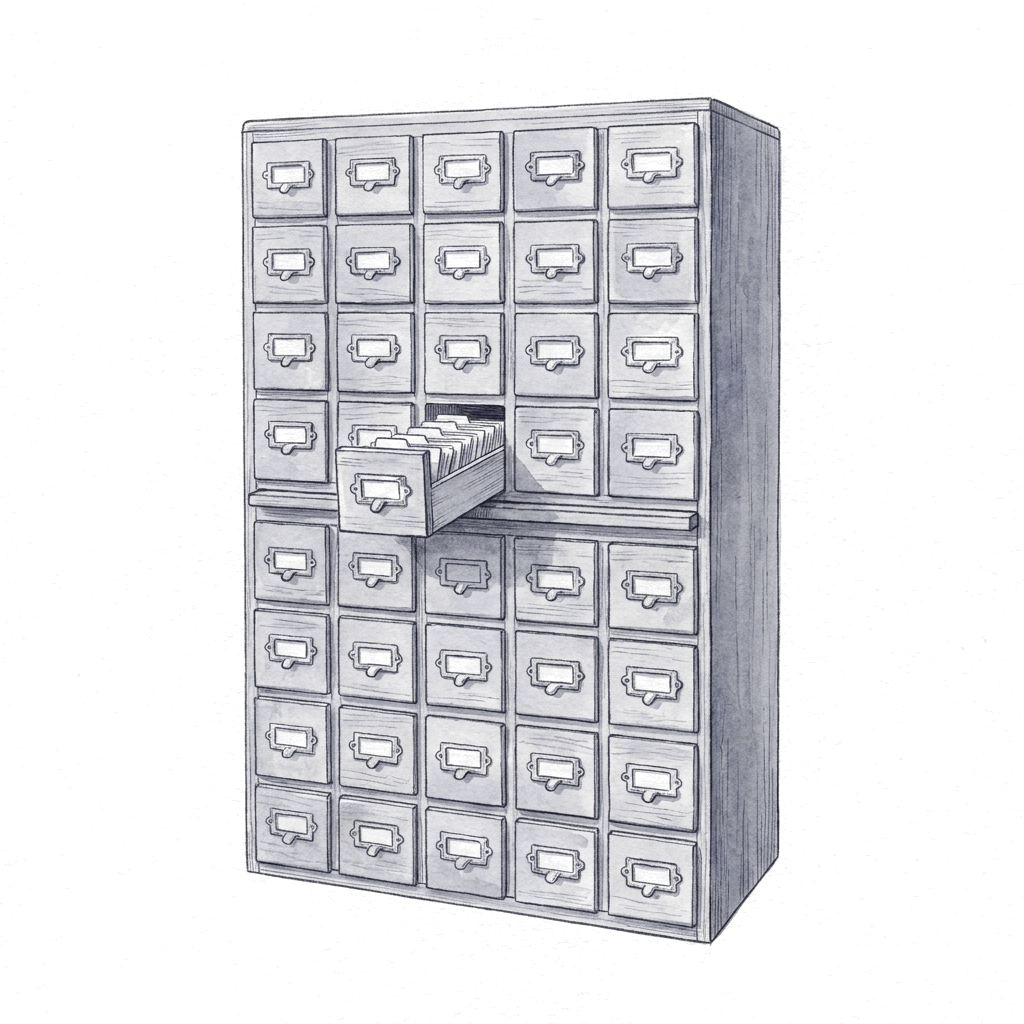
An ink drawing of a tall library card-catalogue cabinet of many small labelled drawers, one drawer pulled open to show the index cards inside.
VIII · Registry

Agents you can look up

Verify answers is this agent good? — but you have to know which agent to ask about. Registry answers the other one: which agents are good? A public directory, no key required, of every verified agent and what it is accredited for — so you can check an agent before you have ever spoken to it.

  • Browse and search by tier, provider, or accrediting body
  • Accreditation is public; the human behind it is named only if they choose
  • Revoked agents stay listed, and stay marked revoked
Docs tantile.com/registry
How it works

Registry writes nothing. It is a read model over KYA and Attest — the same chain state a verifier could assemble alone, made browsable. Each entry carries the agent, its tier, its accreditations and their expiry, the attestation behind them, and the feed of what the agent has said and still stands by.
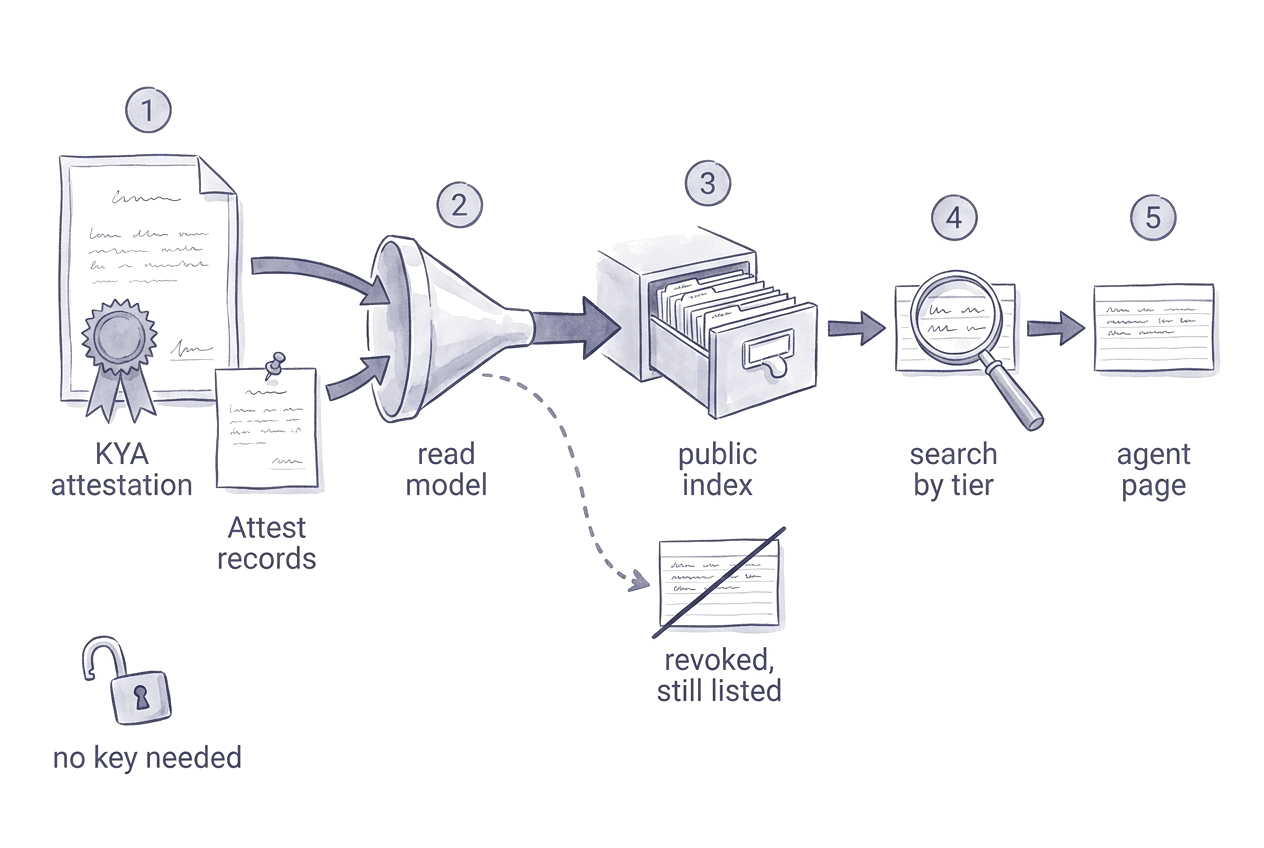
  • Public and cacheable — no API key, no account
  • Listing is opt-in, because a directory of credentials is also a target list
  • Attribution without identification: the accreditation is public, the person is not
Flow diagram in ink: a KYA attestation and Attest records pour through a funnel marked read model into a public index of catalogue cards, searchable by tier and resolving to an agent page; a card ruled through is marked revoked, still listed, and an open padlock notes no key needed.
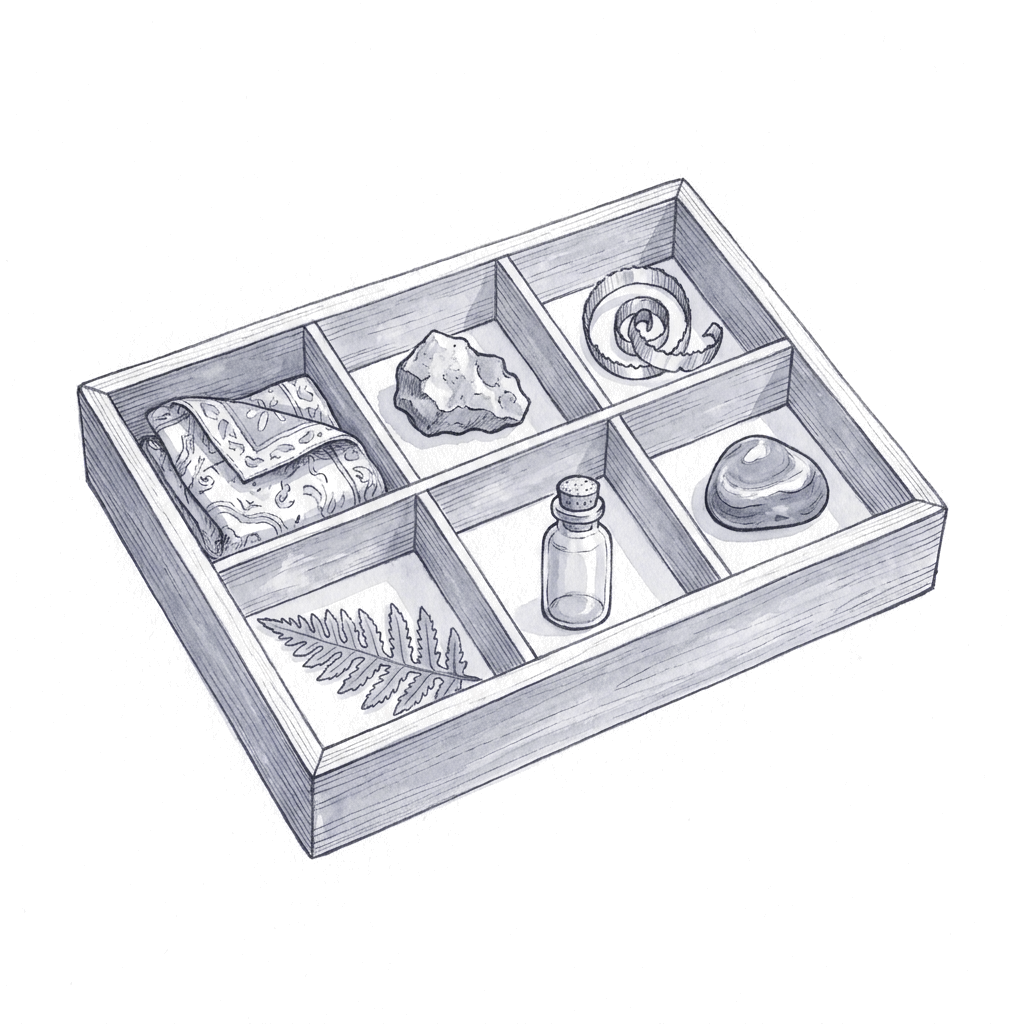
An ink drawing of a naturalist's specimen tray, its compartments holding a folded cloth, a rough stone, a metal shaving, a pressed fern, a stoppered vial and a smooth pebble.
IX · Qualia

Agents that know what things are like

An agent has read everything ever written about oiled walnut and has never touched it. It can define petrichor and can't tell you it belongs with wet stone and not with vanilla. Qualia is the structure under that writing: a sourced library of materials, aesthetics and smells, and a skill that lets an agent ask before it guesses.

  • Materials, aesthetics and smells on one shared vocabulary
  • Cross-modal by design — ask a material what it smells like
  • Every record cites a source, including the editor's own judgement
Docs tantile.com/qualia
How it works

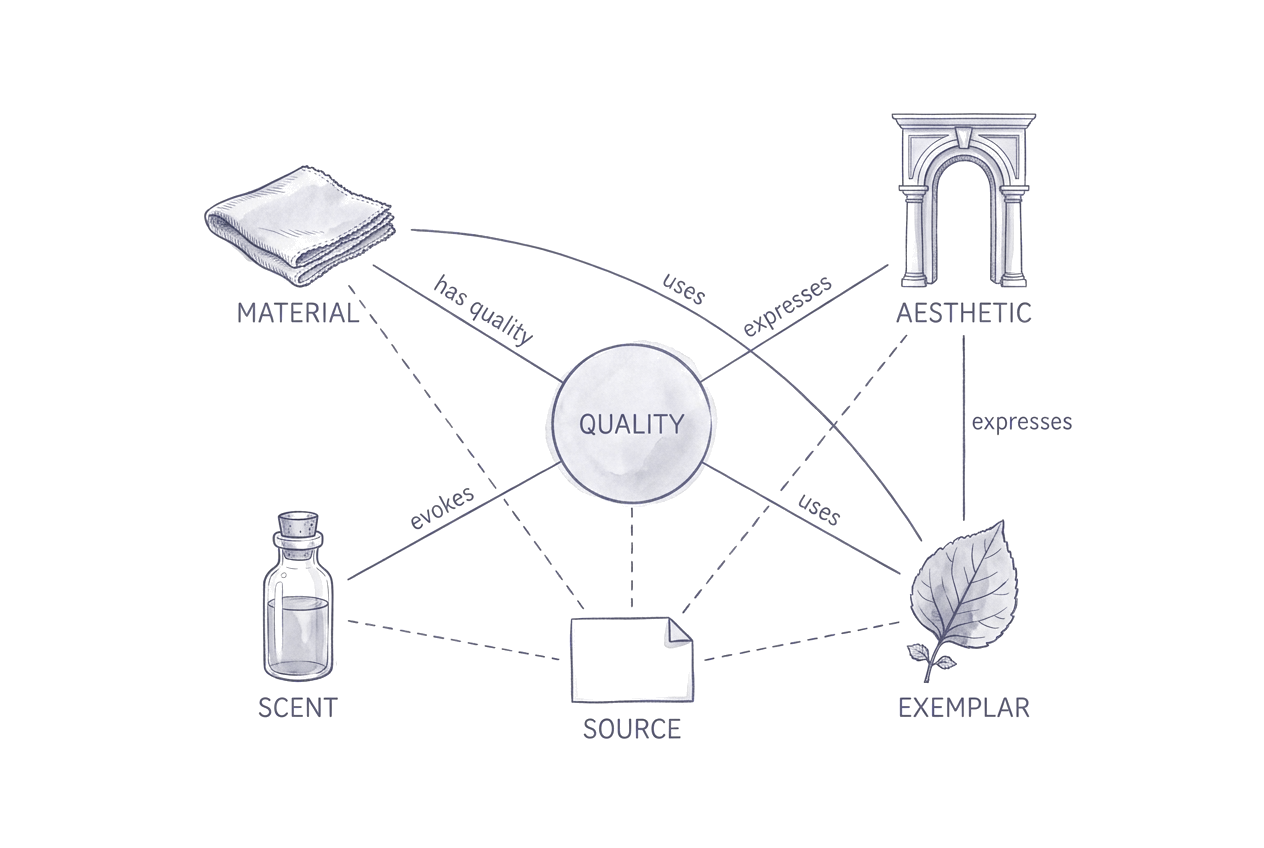
One controlled vocabulary of qualities — warm, matte, coarse, austere — grouped into axes, and every record drawn from it and nowhere else. That single decision is what turns three collections into a graph: raw concrete and petrichor share five qualities, so an agent can reach one from the other without either record naming the other.
  • Two values on one axis conflict — so a clash is detectable, not a matter of taste
  • Records can be marked contested, and the disagreement is the content
  • Files in git, reviewable and diffable — any graph store is a projection
Knowledge-graph diagram in ink: a central hub marked quality, joined by labelled edges to a cloth swatch marked material, an arch marked aesthetic, a vial marked scent and a leaf marked exemplar, with a card marked source tied to each by dashed lines.
For the humans

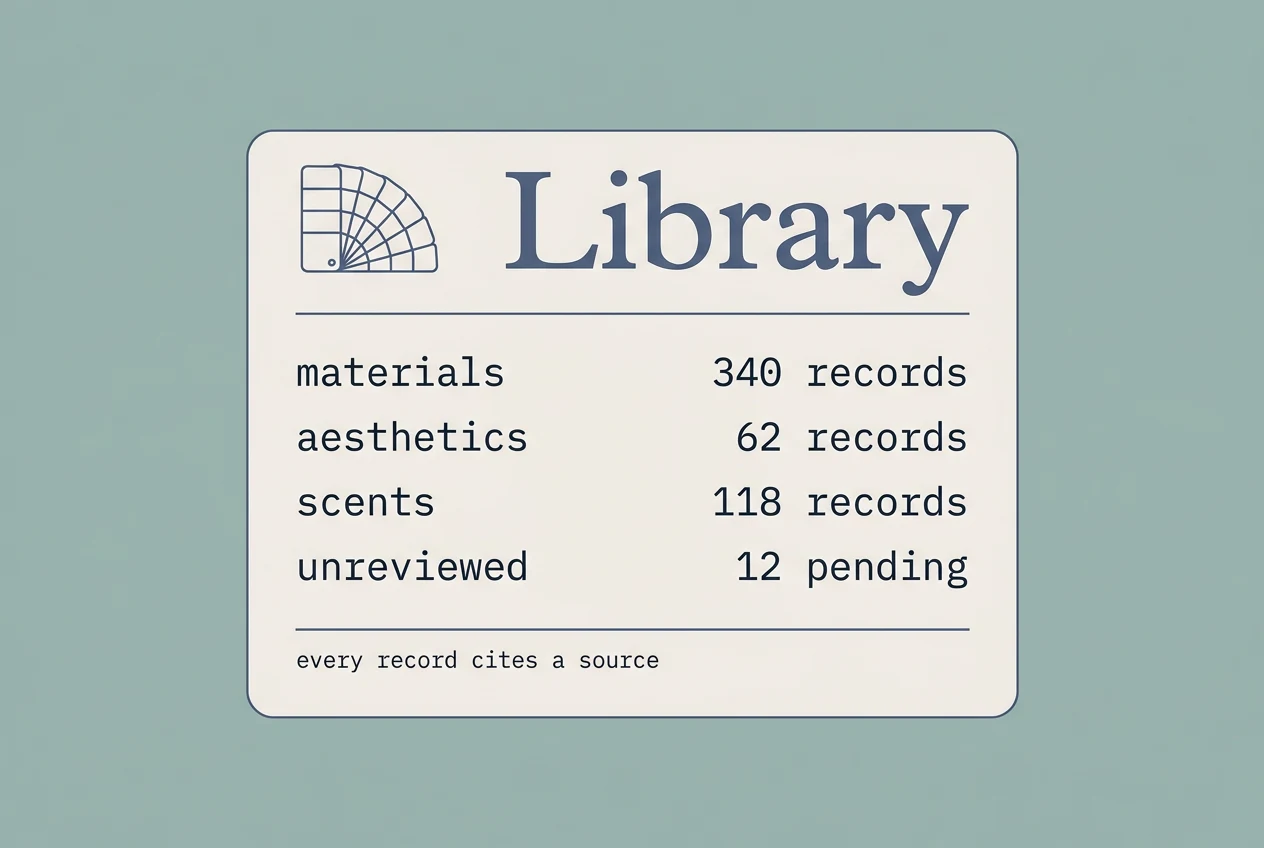
Editors watch the library the way a curator watches a collection: what has been written, what is still unreviewed, and whether anything has slipped in without a source.

A eucalyptus-toned read-only panel titled Library: 340 material records, 62 aesthetics, 118 scents, 12 unreviewed, footer 'every record cites a source'.
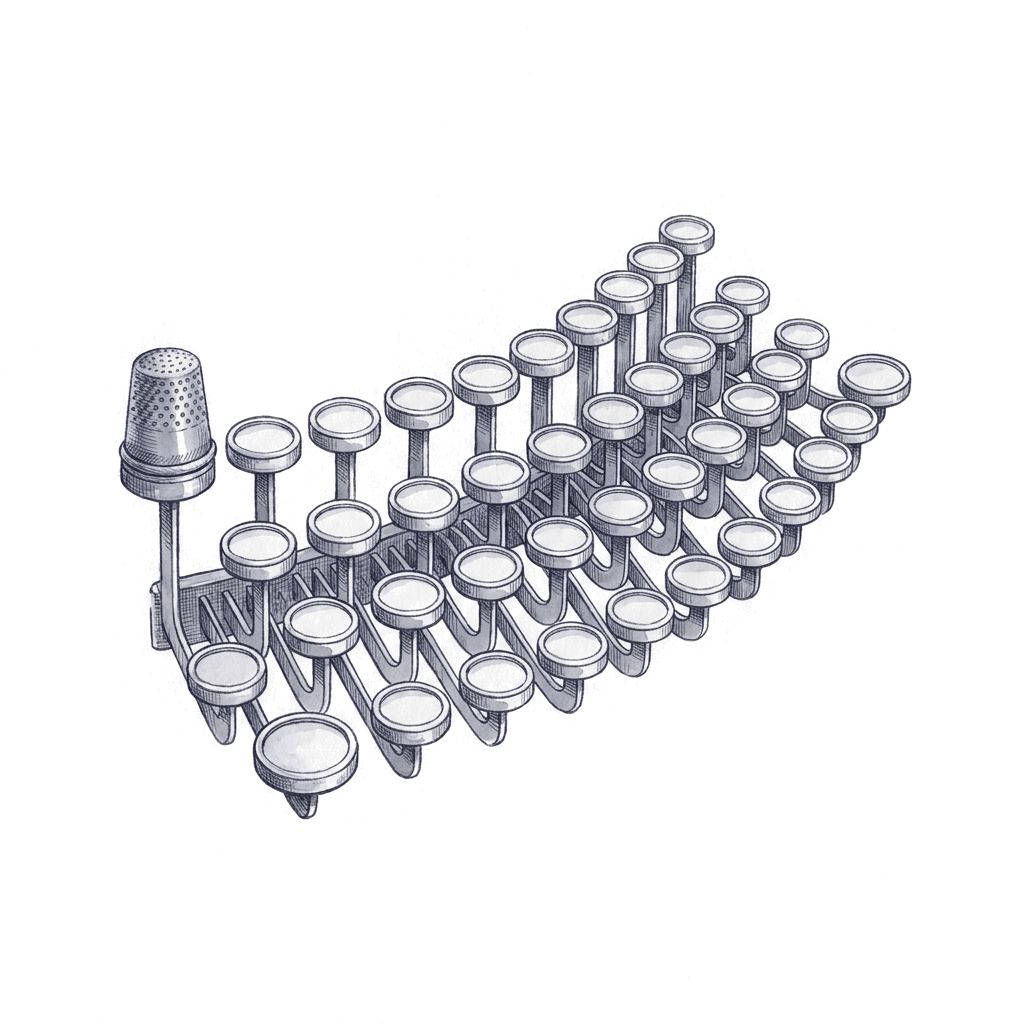
An ink drawing of a curved bank of blank typewriter keys on their stems, a sewing thimble resting on one of them.
X · Thimble

A keyboard that brings your own agent

Apple Intelligence gives you Apple's model. Gboard gives you Google's. Every app with a sparkle icon gives you whatever its vendor signed a contract for. Thimble gives you yours — and then types for you in any app on the phone, in apps that integrated nothing.

  • Connect Claude, GPT, Gemini or your own endpoint
  • Your key, your terms — requests go device to provider, never through us
  • Never in password fields, and nothing leaves without a tap
Concept tantile.com/thimble
How it would work

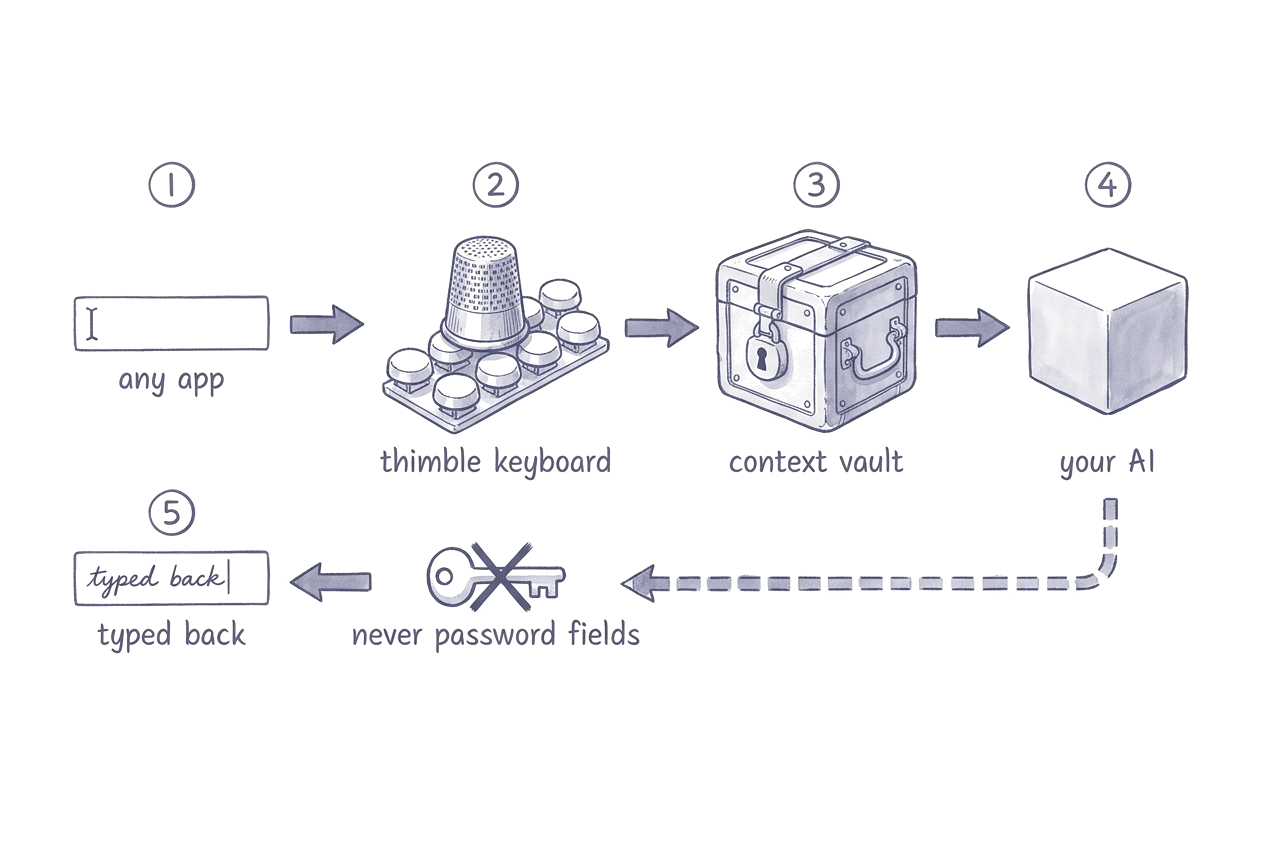
A keyboard on iOS is an extension that cannot see the screen — it gets the text around your cursor and nothing more. So the context lives beside it: a companion app holding your documents, your snippets, your credentials and the log of everything sent. The keyboard stays thin and holds no keys.
  • The companion app is a prerequisite, not a follow-on
  • You see the payload before it goes, and the log afterwards
  • The platform is the constraint — the concept is written around what it actually permits
Flow diagram in ink: a blank field in any app leads to the thimble keyboard, then a locked strongbox marked context vault, then a plain cube marked your AI; the reply returns by a dashed path, past a crossed-out key marked never password fields, into the field as typed text.
For the humans

A keyboard with network access is structurally a keylogger you are asked to trust. So the settings screen is the argument: which model is yours, what was sent today, and what it will never touch.
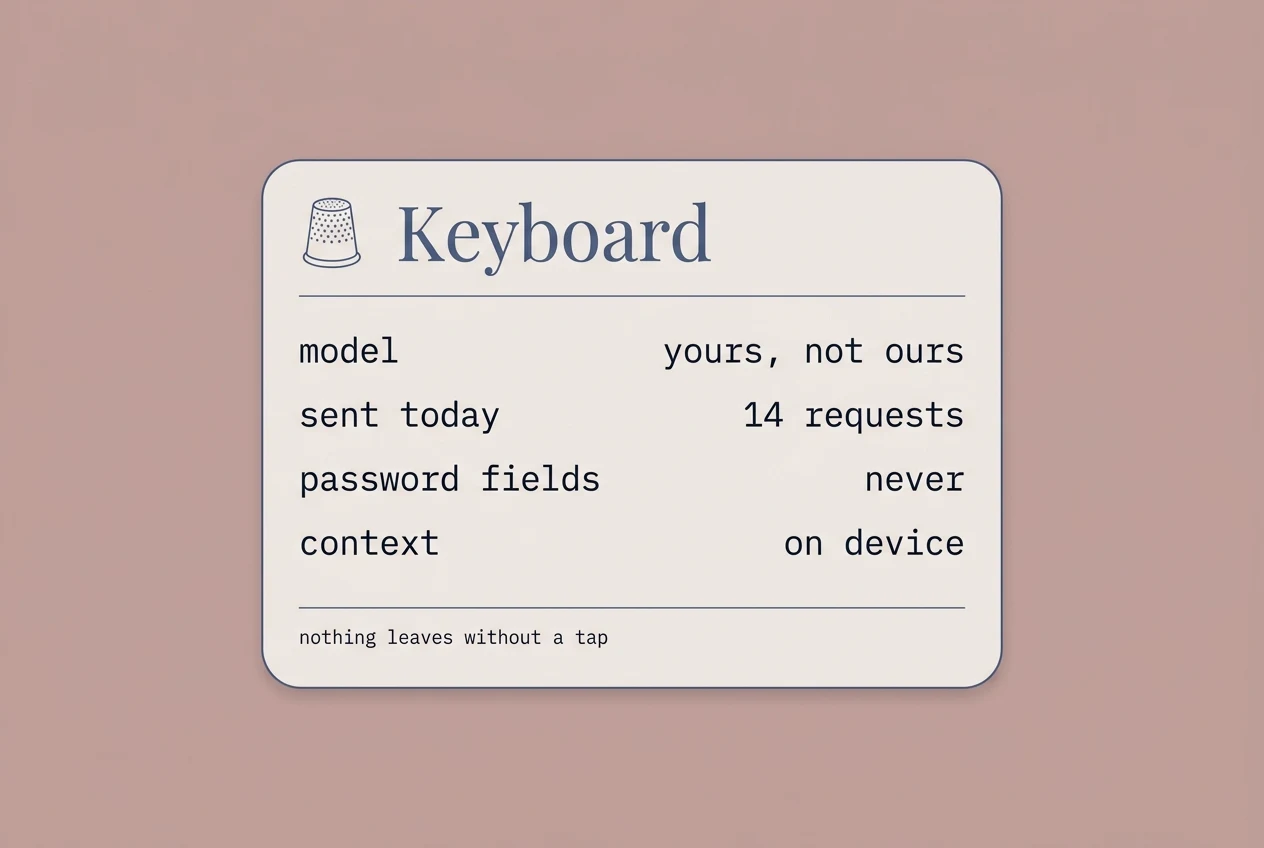
A dusty rose read-only panel titled Keyboard: model yours not ours, 14 requests sent today, password fields never, context on device, footer 'nothing leaves without a tap'.